Explore the equipment catalogue

Showing the first 40. Add a model name to narrow your search.

U7-Industrial · Perth installation

UniFi Access Point U7 Industrial
Installation Perth.

Plan your UniFi Access Point U7 Industrial installation in Perth with Servicewest. We assess the site and supporting equipment before specifying U7-Industrial.

  • Floor plan and mounting position
  • Cabling, uplink and power
  • Client compatibility and coverage testing
Request a site assessment Australian model, compatibility and procurement checked before the scope is confirmed.

Installing Access Point U7 Industrial. Start with the site.

Position Access Point U7 Industrial around your building.

For a Access Point U7 Industrial installation, the floor plan and the intended mounting location come before a coverage promise. We assess walls, ceiling height, client devices and neighbouring wireless networks. The U7-Industrial specifications below help establish whether this model fits the proposed location.

Installation details for U7-Industrial

Power Method: PoE. Max. Power Consumption: 13W. Networking Interface: (1) 2.5 GbE RJ45 port. Mounting: Wall, Pole (Mounts included). Weatherproofing: IP67 (With cable gland properly installed). These manufacturer figures inform the mounting, connection and site assessment; we check the final model and supporting equipment before installation.

Check the outdoor path.

Outdoor access and building links need a site-specific review of mounting, exposure, cable entry and the radio path. We confirm whether the intended use is local WiFi coverage or a link between buildings, and check the equipment needed at each end.

Configure and test the agreed areas.

Network names, guest access, security settings and roaming are configured for the devices using the property. We test in the agreed locations and explain any remaining limitations. Internet speed and client capability still affect the experience at the endpoint.

Know the
equipment.

Manufacturer specifications for U7-Industrial. Check the selected model, regional version and current software requirements during assessment.

View manufacturer source
At a glance
WiFi7WiFi 7
Overview
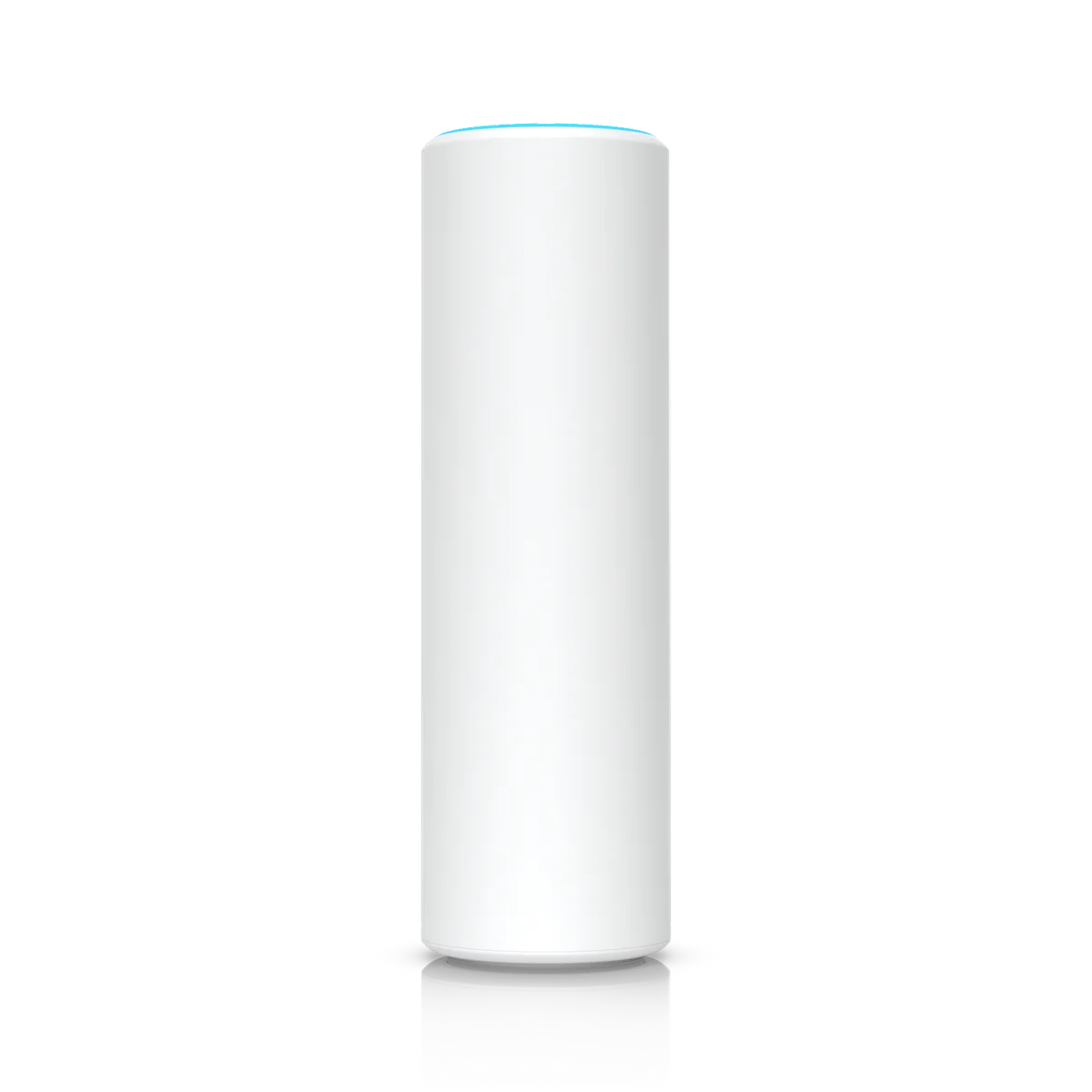
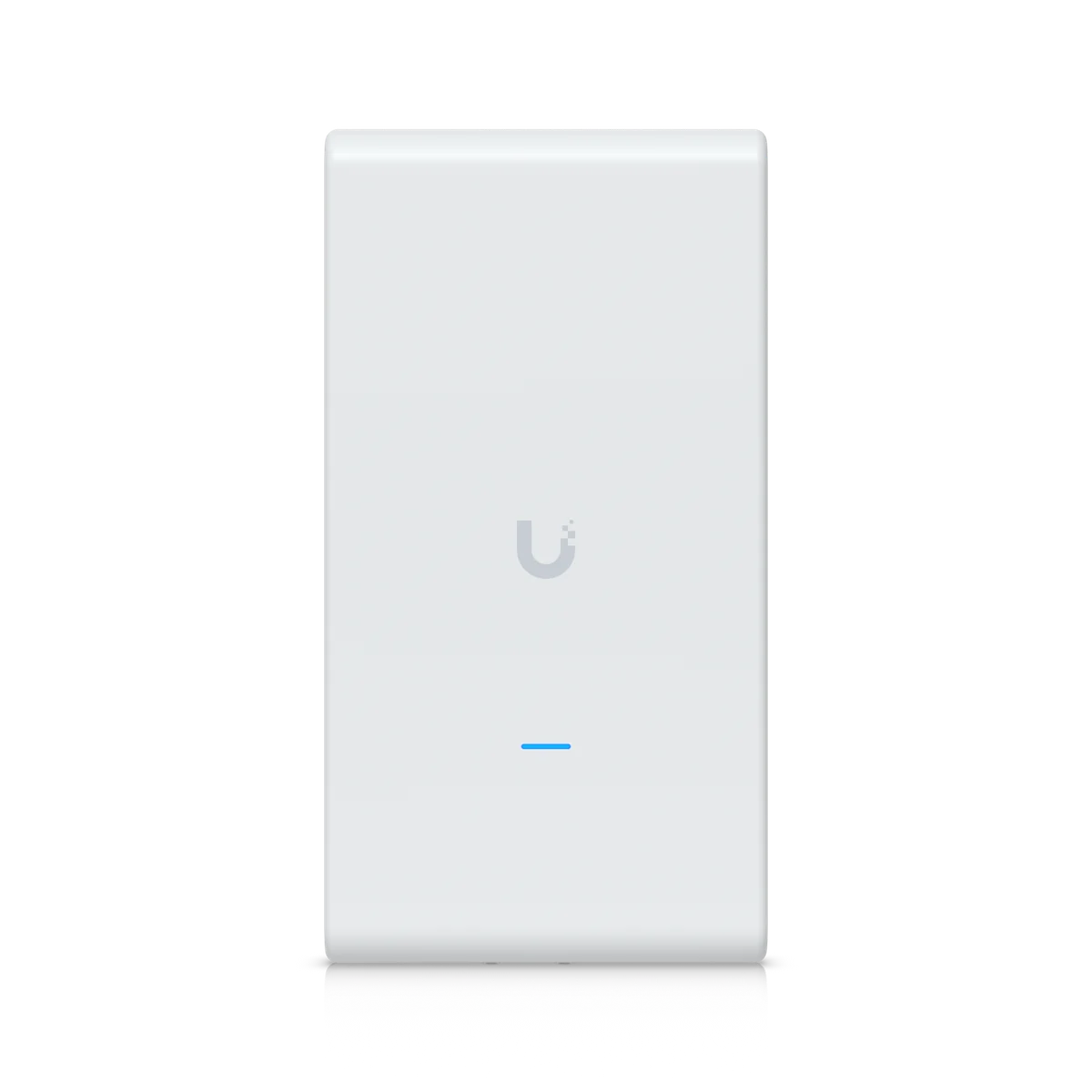
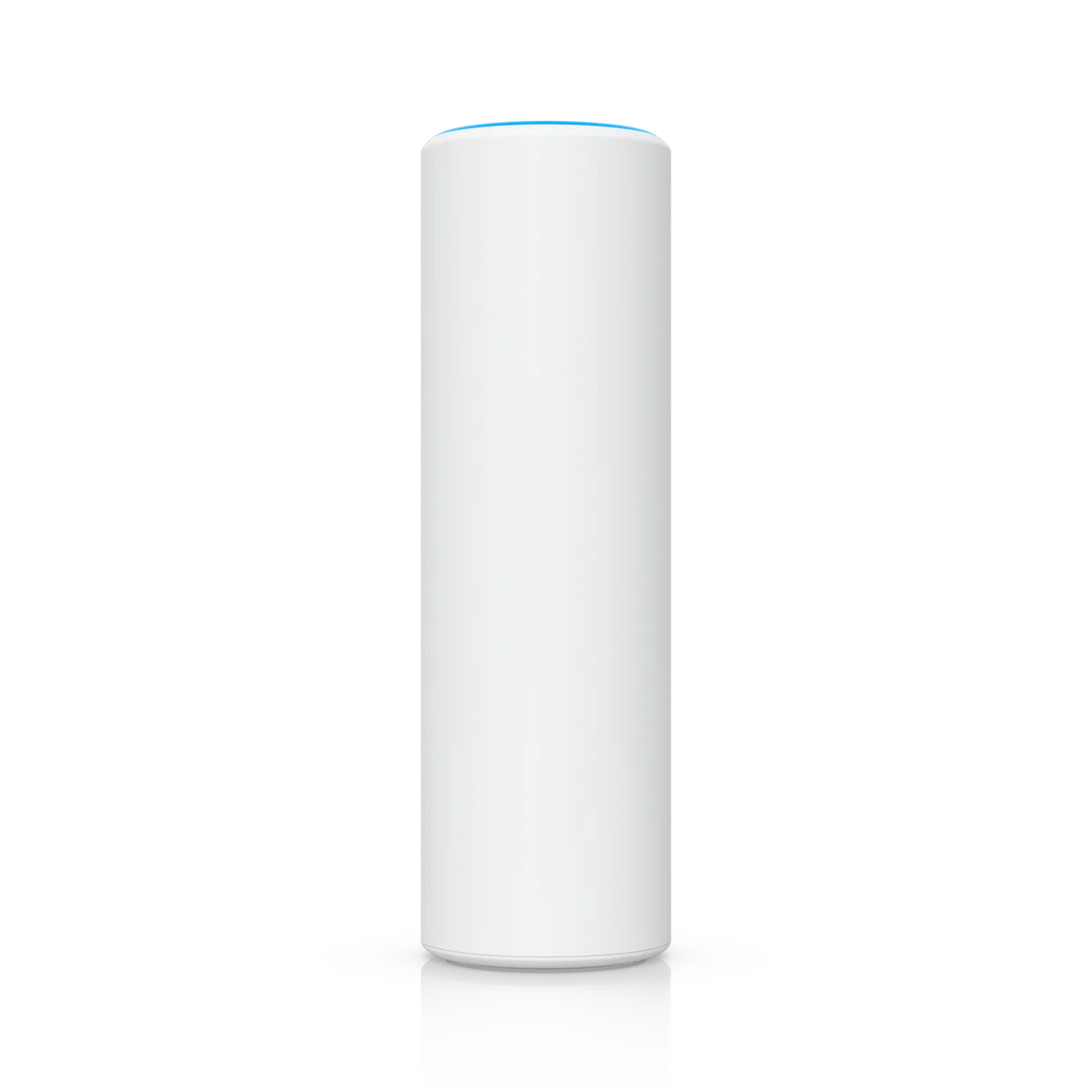
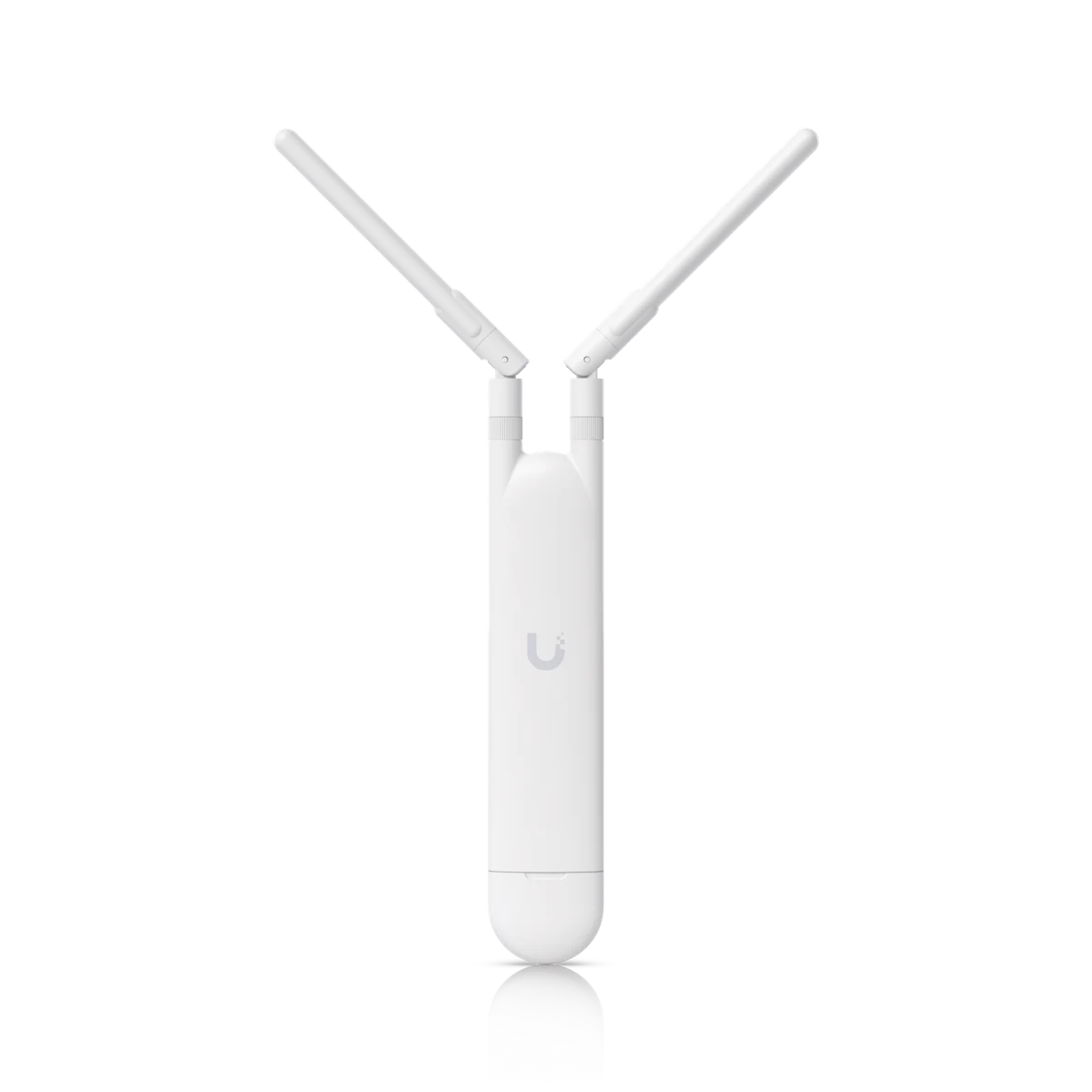
DimensionsDevice: 170 × 103 × 41.2 mm (6.7 × 4.1 × 1.6") Ball mount installed: 170 × 103 × 107.6 mm (6.7 × 4.1 × 4.2") Adjustable reflectors installed: 177.6 x 299.7 × 177.8 mm (7 x 11.8 × 7") Omnidirectional antennas installed: 341.8 × 103 × 107.6 mm (13.5 × 4.1 × 4.2")Dimensions with antennas include the ball mount
WiFi StandardWiFi 7
Spatial Streams4
Coverage Area465 m² (5,000 ft²)
Max. Client Count200+
Uplink2.5 GbE
MountingWall, Pole (Mounts included)
WeatherproofingIP67With cable gland properly installed
Power MethodPoE
Performance
5 GHz2 x 2 (DL/UL MU-MIMO)
2.4 GHz2 x 2 (DL/UL MU-MIMO)
5 GHz4.3 Gbps (BW240)Depends on regulatory region
2.4 GHz688 Mbps (BW40)
5 GHzDirectional internal (Built-in): 10 dBi, 95° x 45° Directional internal (Reflector Wide Angle): 11 dBi, 70° x 45° Directional internal (Reflector Narrow Angle): 12 dBi, 55° x 45° External omni: 6 dBi, 360° x 45°
2.4 GHzDirectional internal (Built-in): 8 dBi, 100° x 45° Directional internal (Reflector Wide Angle): 9 dBi, 80° x 45° Directional internal (Reflector Narrow Angle): 10 dBi, 65° x 45° External omni: 5 dBi, 360° x 45°
5 GHz24 dBm
2.4 GHz23 dBm
Hardware
Max. Power Consumption13W
Supported Voltage Range42.5–57V DC
Networking Interface(1) 2.5 GbE RJ45 port
WeightDevice: 577 g (1.3 lb) Ball mount: 163 g (5.8 oz) Reflector antenna set: 500 g (1.1 lb) Omni antenna set: 52 g (1.8 oz)
Wind Loading97.3 N at 200 km/h (21.9 lbf at 125 mph)
Pole Mount Diameter1–2.5" (25–63.5 mm)
ManagementEthernet
Enclosure MaterialUV-stabilized polycarbonate, aluminum alloy
Mount MaterialAluminum alloy
System(4) Blue: signal (1) White/Blue: indicator
Ambient Operating Temperature-40 to 70° C (-40 to 158° F)
Ambient Operating Humidity5 to 95% noncondensing
CertificationsCE, FCC, IC

Plan the supporting equipment. Check the complete system.

Related catalogue items to discuss. Compatibility is checked against the exact model and site design.

A few practical questions.

Can you assess Access Point U7 Industrial for an existing system?
Yes. Include U7-Industrial, your existing console or host equipment, and a brief description of the work in your enquiry. We check compatibility, capacity and site access before confirming the installation scope.
What should I send for a Access Point U7 Industrial assessment?
Send your suburb, property type, the intended location and any existing equipment model numbers. Floor plan and mounting position and cabling, uplink and power are useful starting points. Photographs of the proposed location can help with the initial discussion.
Does this page confirm Australian stock or a fixed installation price?
No. This catalogue uses manufacturer product references. We confirm the suitable Australian model, procurement options and a site-specific scope before quoting.

Keep planning.

Let’s look at your site.

Good installations
start with a conversation.

Tell us your suburb, your property and what you want to connect. We’ll work through the equipment and the installation with you.