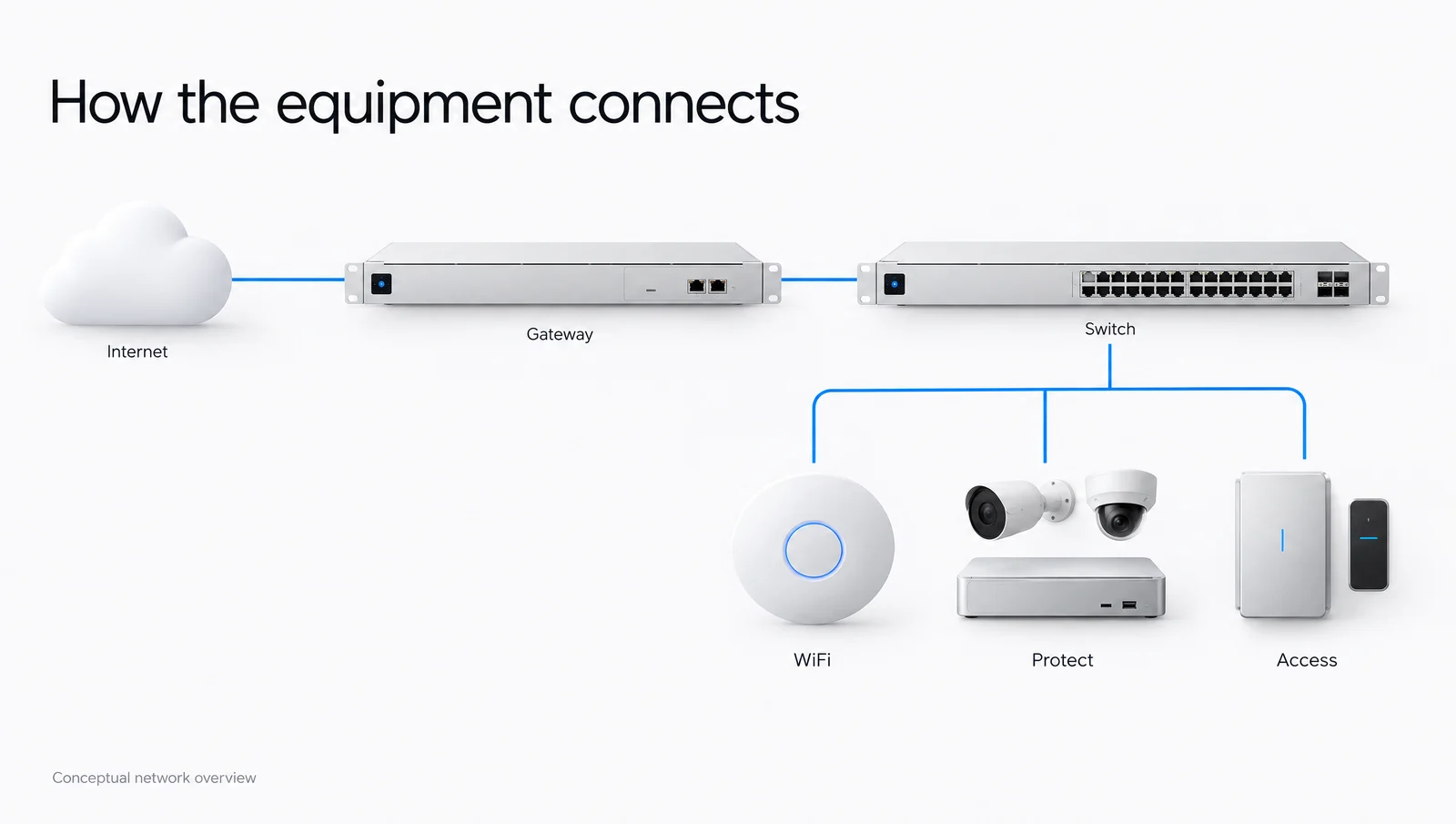
Conceptual diagram
From internet to equipment
The gateway manages traffic. Switches connect the wired equipment. WiFi, Protect and Access each add a different function.

Start with a category. Explore the products, see how they connect and work through the installation with Servicewest.
Rack gateways for routing, security and UniFi management.
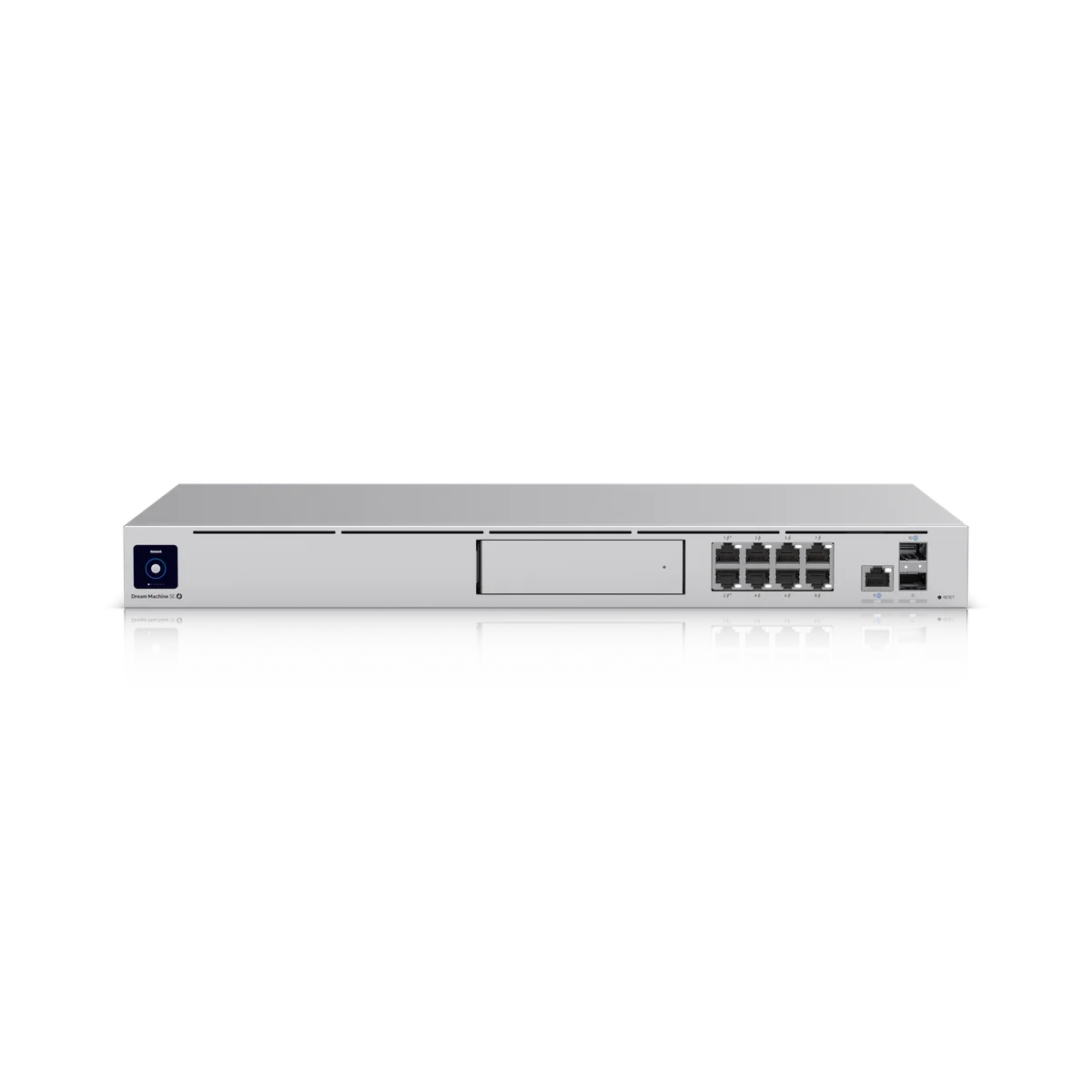
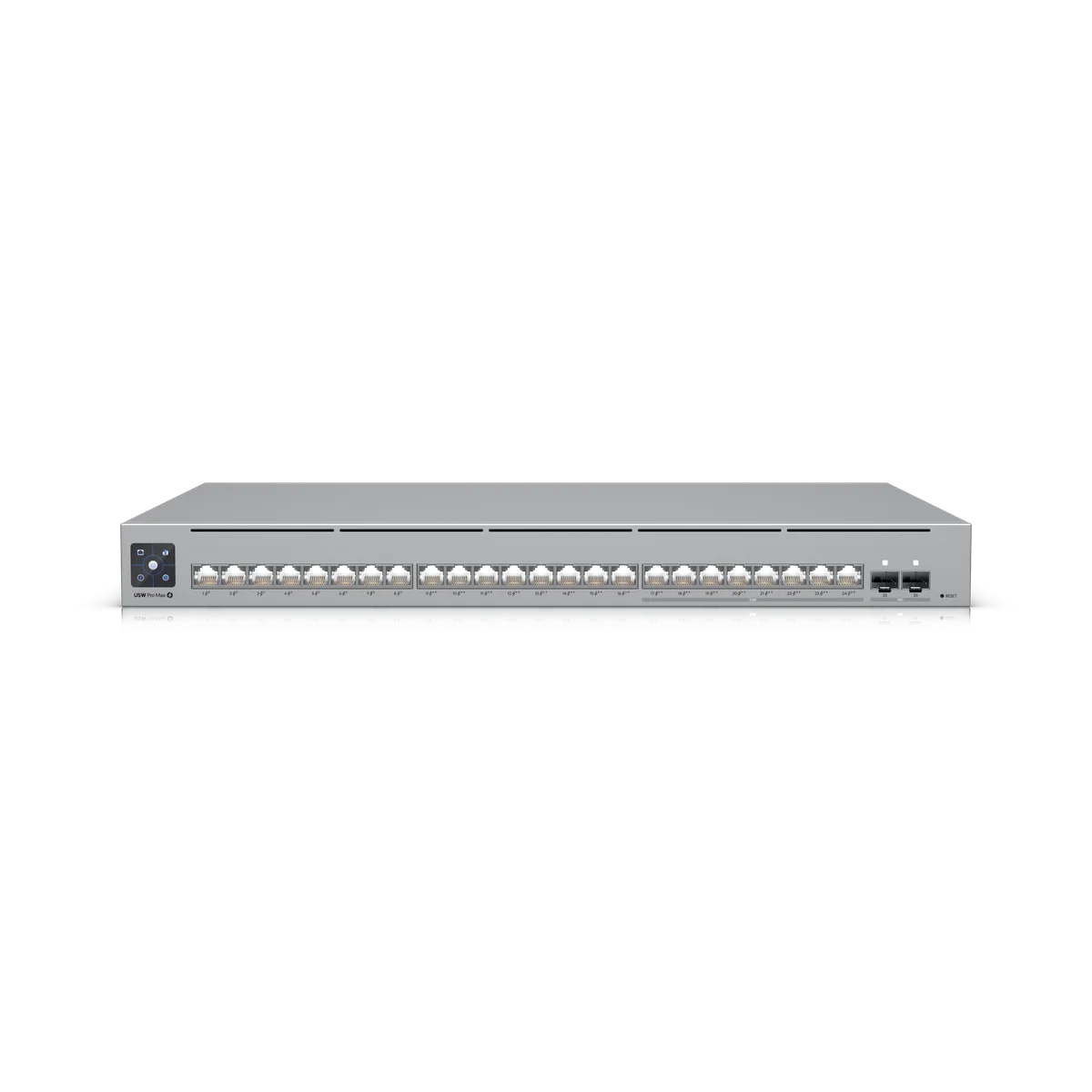
Network ports, PoE and uplinks for the equipment on your site.
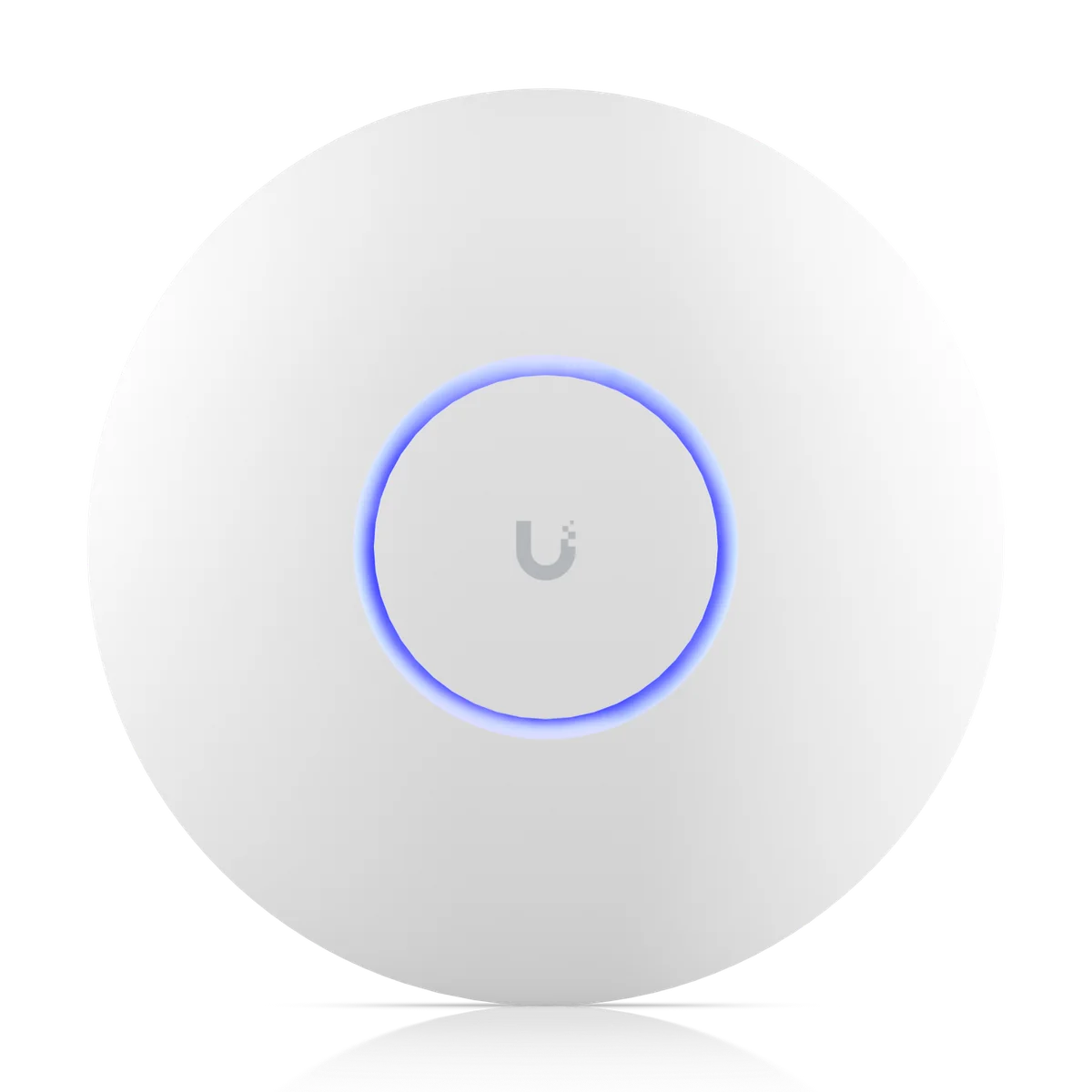
Ceiling, wall and outdoor access points, with mounts and accessories.
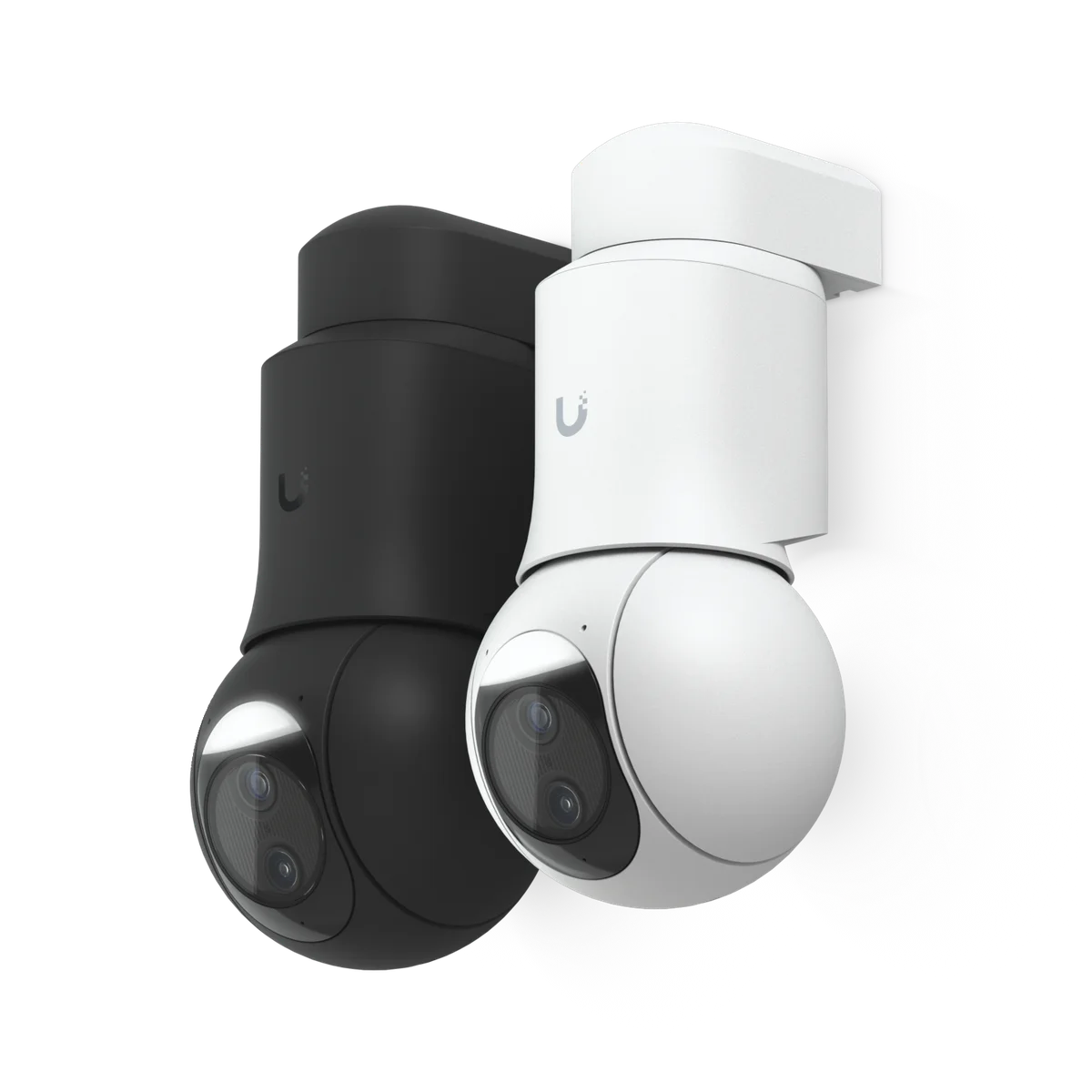
Protect cameras, recorders, storage and camera accessories.
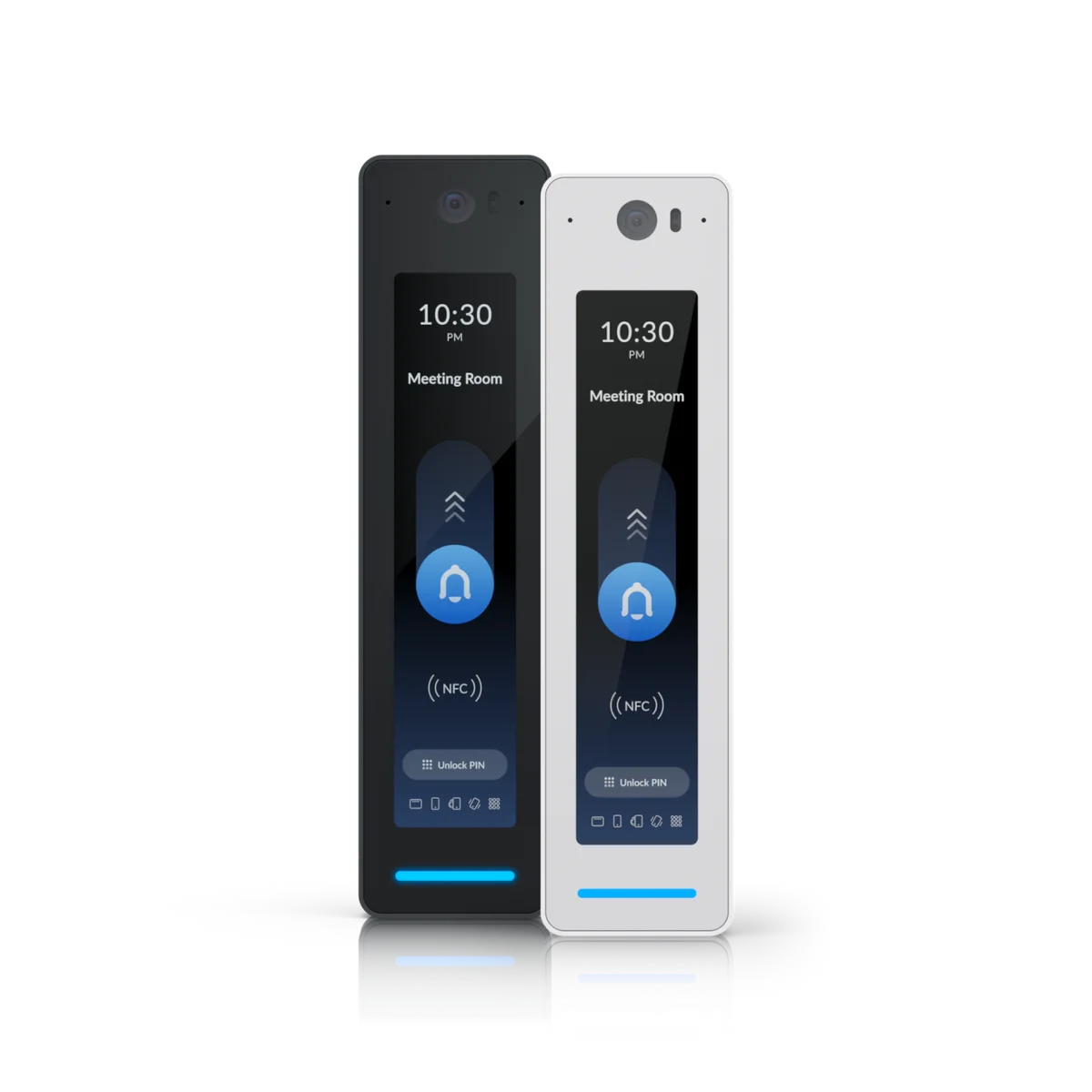
Readers, hubs and intercoms for a properly assessed opening.
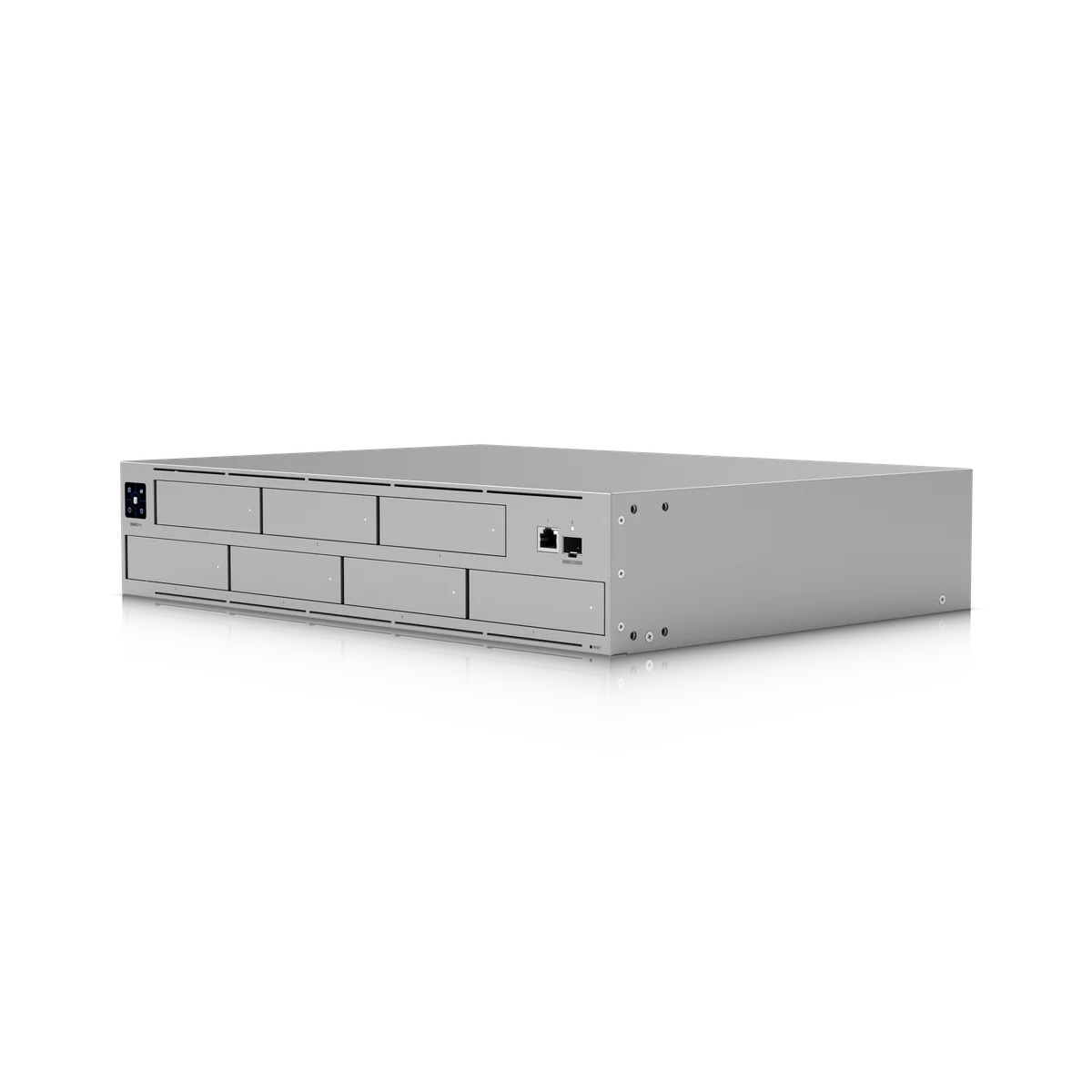
Network storage, backup power, connectivity and connected devices.
Accessories sit within their relevant category. Some products appear in more than one range. Australian model suitability and procurement are checked during assessment. View the full product index.
The gateway manages traffic. Switches connect the wired equipment. WiFi, Protect and Access each add a different function.
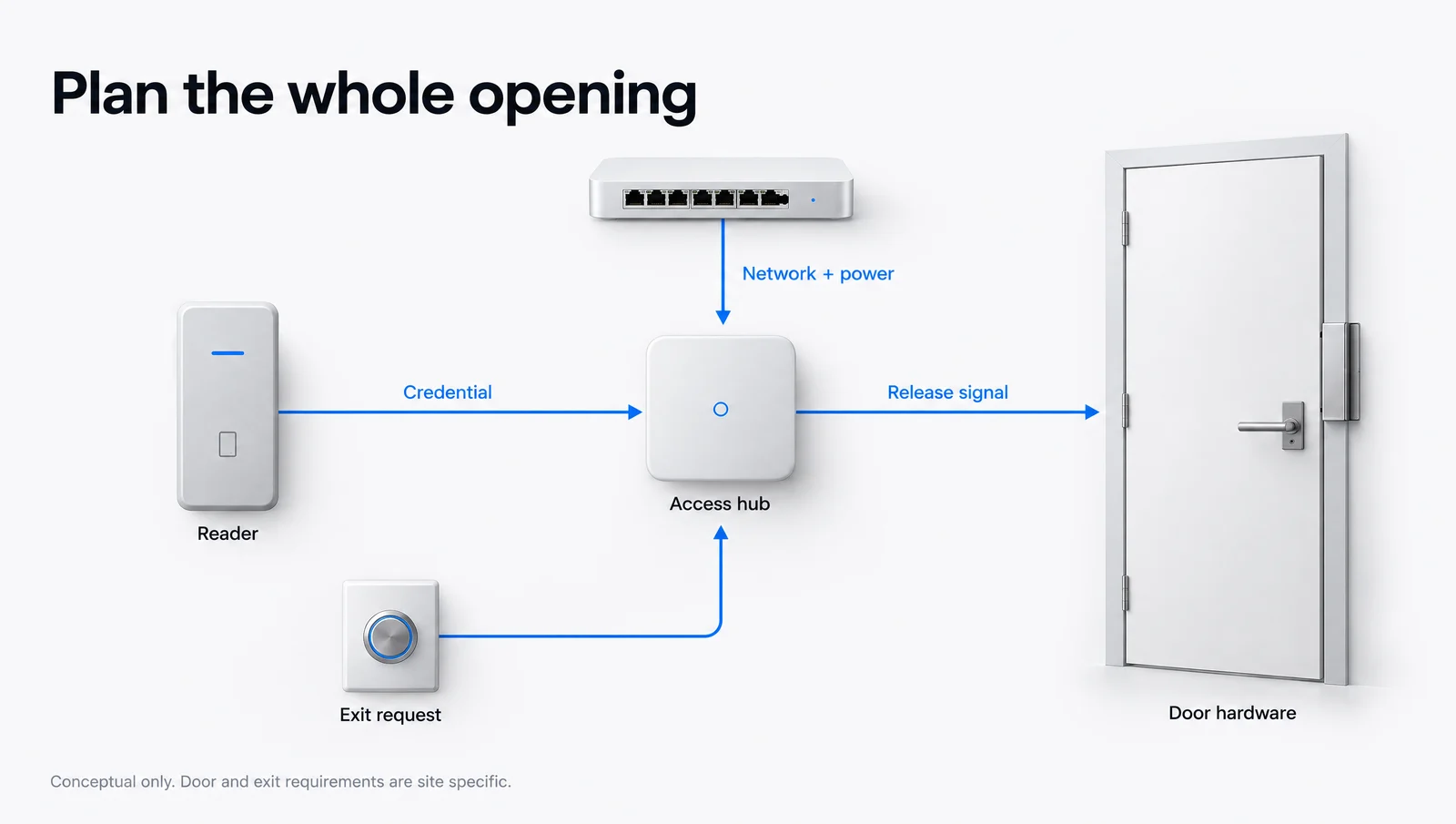
Readers, controllers and door hardware work together. Door construction, normal exit and existing requirements shape the installation.
Adjust the device count, power budget or recording settings. These illustrative examples explain the calculations; your equipment and site need their own design.
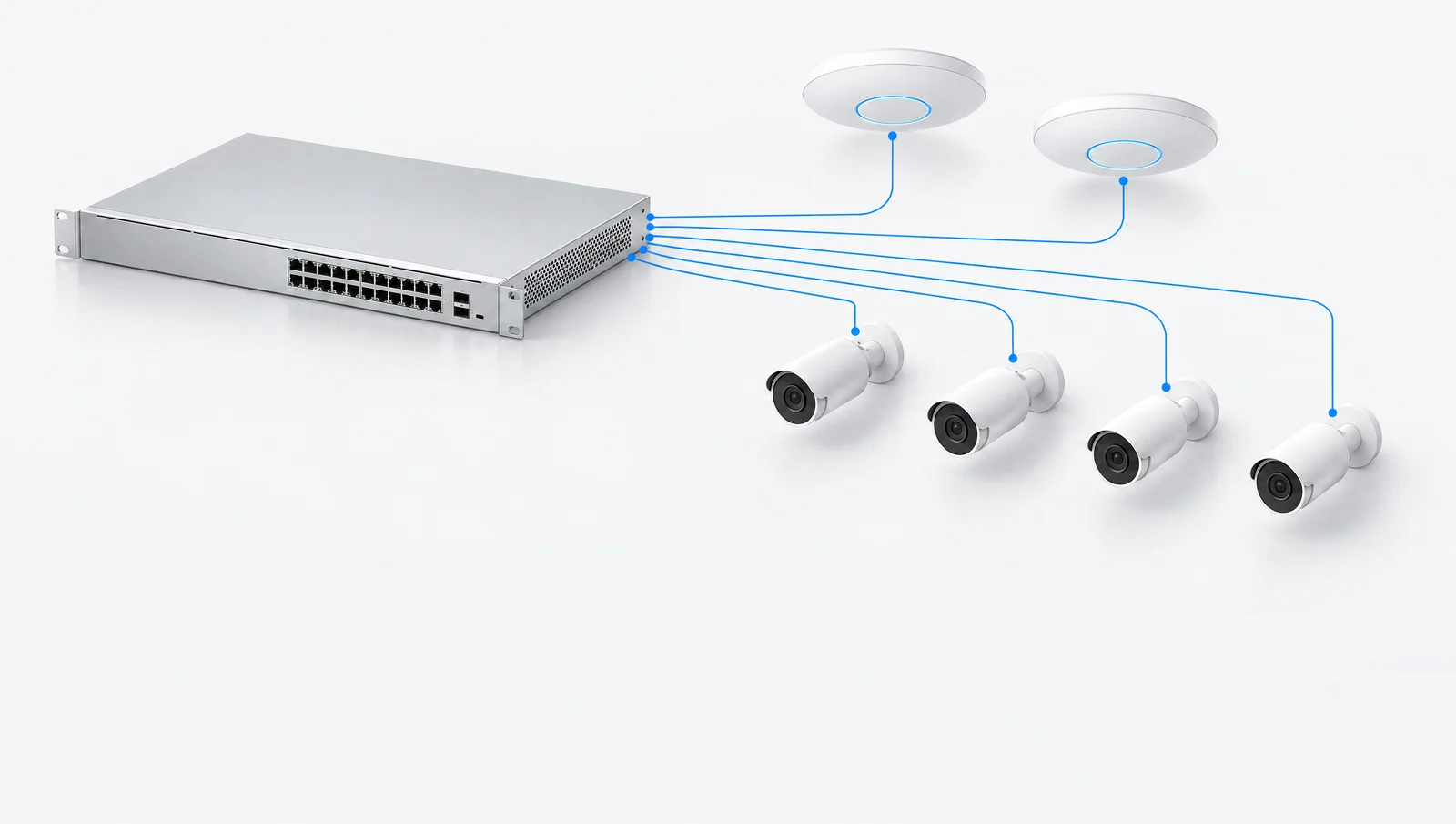 POWER PLANNING
Add devices and see how the shared power budget changes.
22.5 W remaining from 120 W
| Device group | Proportion of example switch budget | Power |
|---|---|---|
| WiFi | 36.0 W | |
| Cameras | 32.0 W | |
| Access | 10.0 W | |
| 25% allowance | 19.5 W |
Example maximum device loads: 18 W per access point, 8 W per camera and 10 W per access device, plus a 25% planning allowance. These are illustrative values, not the specifications of the products pictured. Actual design checks device maximum draw, cable losses, each port’s PoE standard and the switch’s total budget. The allowance is an example, not a manufacturer requirement.
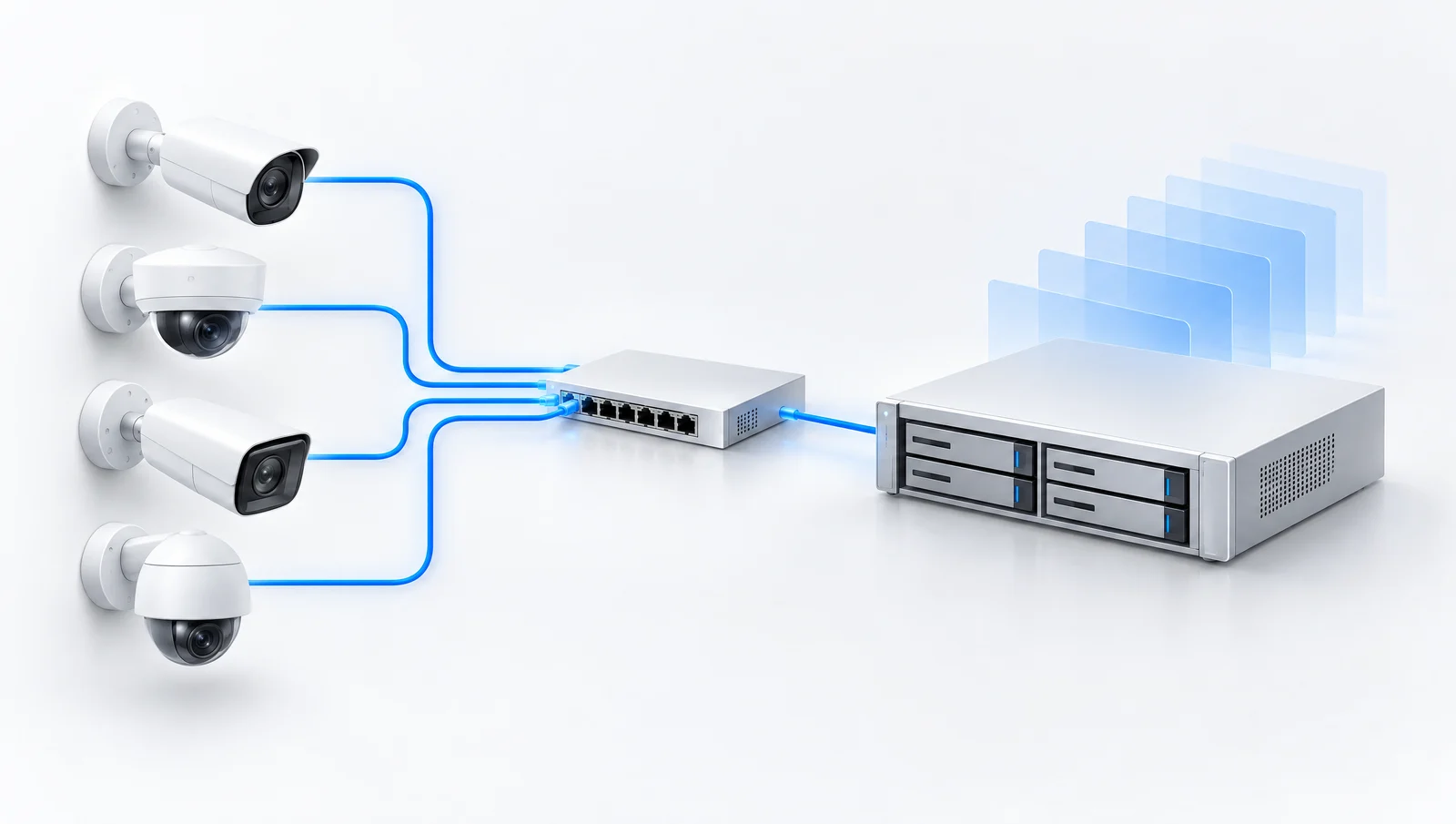 RECORDING PLANNING
Compare how camera count and bitrate affect estimated retention.
345.6 GB per day · 7.2 TB after allowance
| Capacity | Relative retention | Estimated days |
|---|---|---|
| 4 TB | 10.4 days | |
| 8 TB selected | 20.8 days | |
| 16 TB | 41.7 days |
All cameras record continuously at the selected constant bitrate. Decimal TB are used, with 10% set aside as an example storage allowance. Capacity means space available to recording before this allowance, after any RAID or mirroring. The calculation is cameras × Mbps × 10.8 GB per day. Real retention varies with codec, activity, audio, quality, recorder settings and disk configuration. These estimates are not a retention guarantee.
Tell us your suburb, your property and what you want to connect. We’ll work through the equipment and the installation with you.