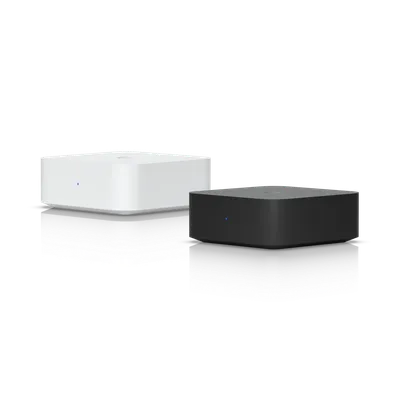
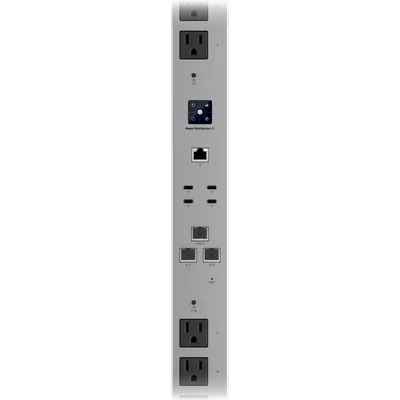
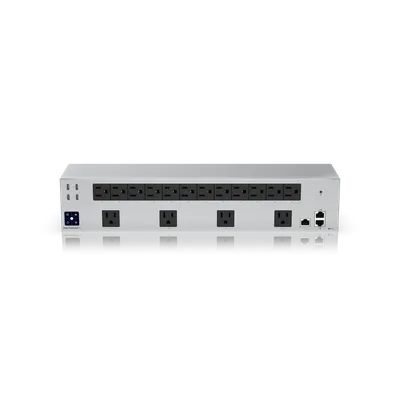
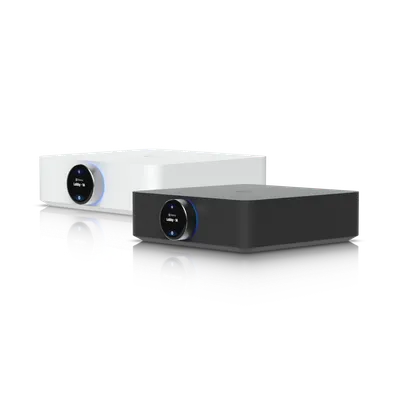
Explore the equipment catalogue

Showing the first 40. Add a model name to narrow your search.

UniFi Integrations · Perth installation

One connected property. More ways to use it.

Storage, backup connectivity, power and connected devices considered within the wider UniFi installation.

Request a site assessment
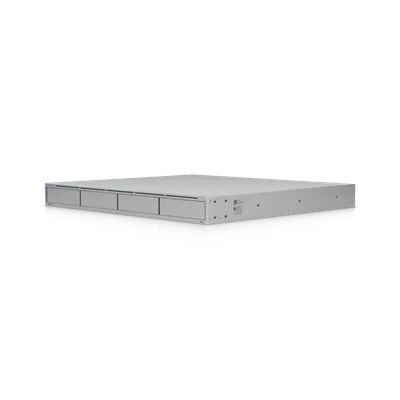
UniFi UNAS Pro

Explore integrations. Plan the installation.

34 products · installation and compatibility guides

UniFi 5G Backup
U5G

5G Backup

Explore installation
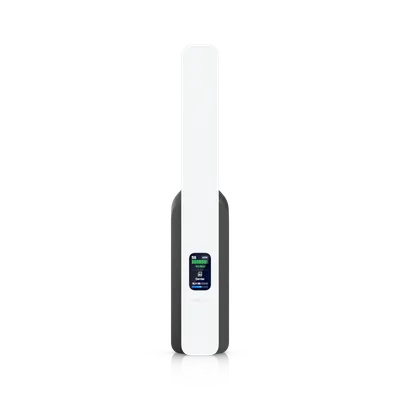
UniFi 5G Max
U5G-Max-US

5G Max

Explore installation
UniFi 5G Max Outdoor
U5G-Max-Outdoor-US

5G Max Outdoor

Explore installation
UniFi Analog Telephone Adapter
UT-ATA

Analog Telephone Adapter

Explore installation
UniFi Display Cast Lite
UC-Cast-Lite

Display Cast Lite

Explore installation
UniFi Display Cast Pro
UC-Cast-Pro

Display Cast Pro

Explore installation
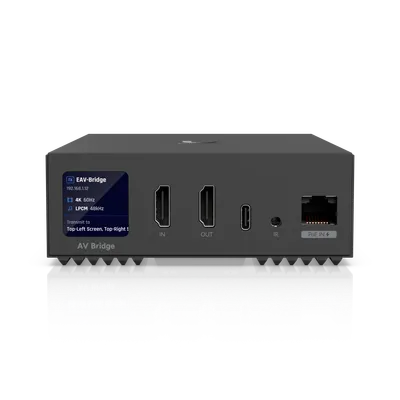
UniFi Enterprise Audio/Video Bridge
EAV-Bridge

Enterprise Audio/Video Bridge

Explore installation
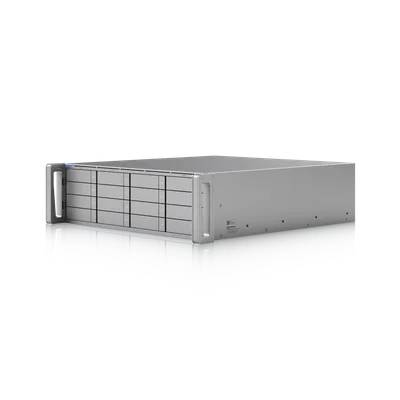
UniFi Enterprise NAS
ENAS

Enterprise NAS

Explore installation
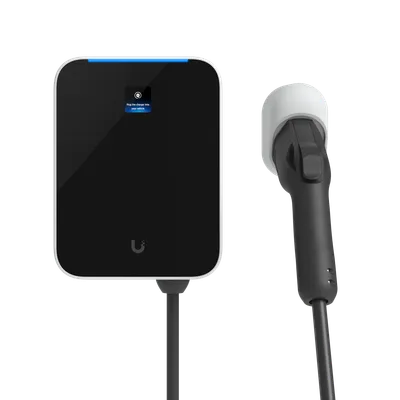
UniFi EV Station Lite
UC-EV-Station-Lite

EV Station Lite

Explore installation
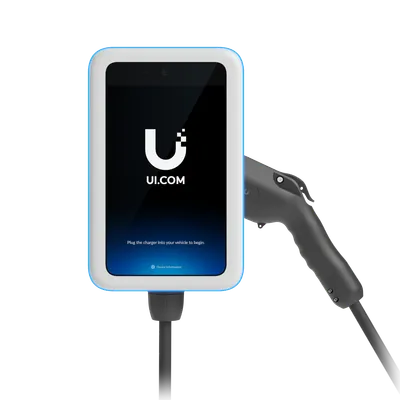
UniFi EV Station Pro
UC-EV-Station-Pro

EV Station Pro

Explore installation
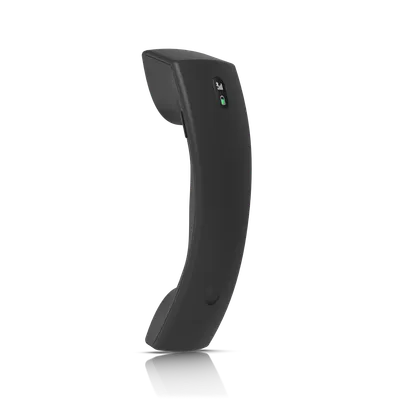
UniFi G3 Wireless Handset
UT-G3-Handset

G3 Wireless Handset

Explore installation
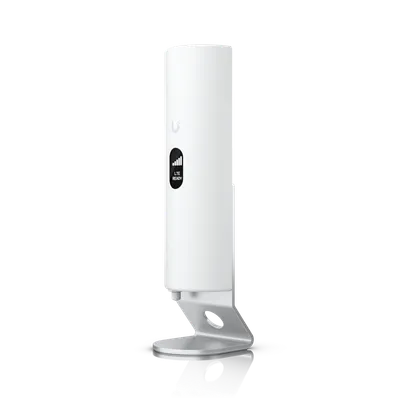
UniFi LTE Backup Pro
U-LTE-Backup Pro

LTE Backup Pro

Explore installation
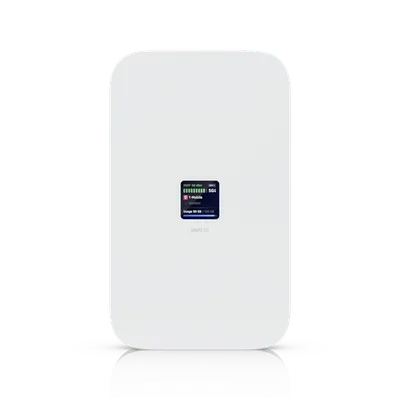
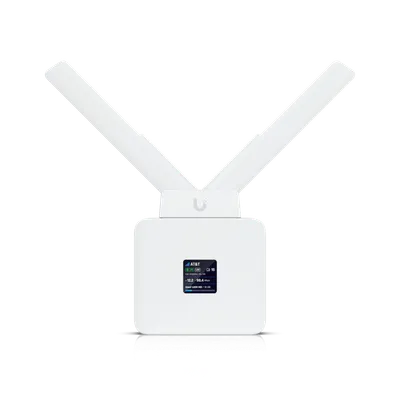
UniFi Mobile Router
UMR-US

Mobile Router

Explore installation
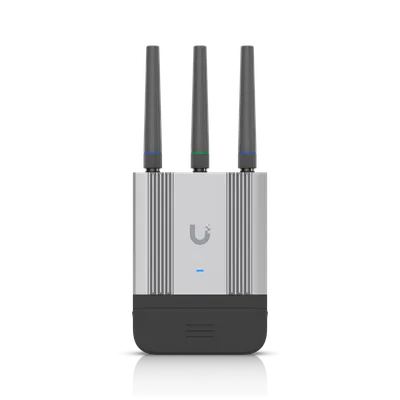
UniFi Mobile Router Industrial
UMR-Industrial

Mobile Router Industrial

Explore installation
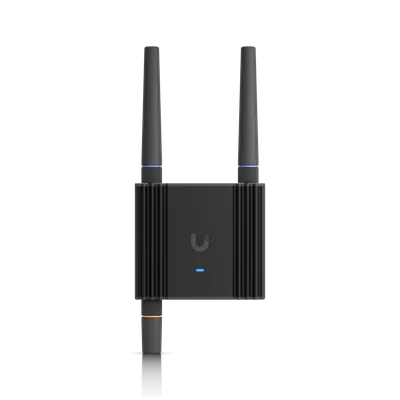
UniFi Mobile Router Ultra
UMR-Ultra-US

Mobile Router Ultra

Explore installation
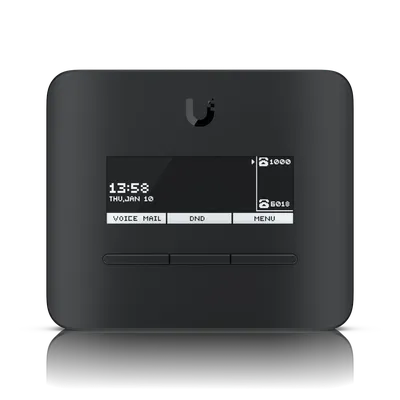
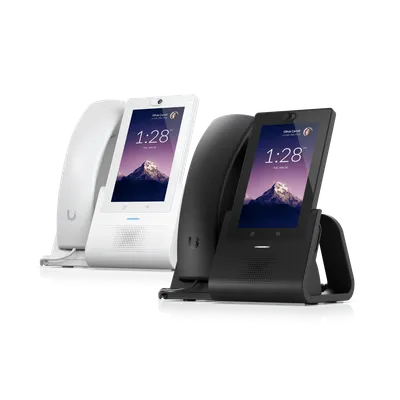
UniFi Phone G2 Touch
UTP-Touch-US

Phone G2 Touch

Explore installation
UniFi Phone G2 Touch Max
UTP-TouchMax-US

Phone G2 Touch Max

Explore installation
UniFi Phone G3 Touch Enterprise
UTP-G3-Touch-Enterprise

Phone G3 Touch Enterprise

Explore installation
UniFi Phone G3 Touch Pro
UTP-G3-Touch-Pro

Phone G3 Touch Pro

Explore installation
UniFi Phone G3 Touch Wall
UTP-G3-Touch-Wall

Phone G3 Touch Wall

Explore installation
UniFi PoE Audio Port
UPL-Port

PoE Audio Port

Explore installation
UniFi Power Distribution Hi-Density
USP-PDU-HD

Power Distribution Hi-Density

Explore installation
UniFi Power Distribution Pro
USP-PDU-Pro

Power Distribution Pro

Explore installation
UniFi PowerAmp
UPL-Amp

PowerAmp

Explore installation
UniFi Redundant Power
USP-RPS

Redundant Power

Explore installation
UniFi UNAS 2
UNAS-2

UNAS 2

Explore installation
UniFi UNAS 4
UNAS-4

UNAS 4

Explore installation
UniFi UNAS Pro
UNAS-Pro

UNAS Pro

Explore installation
UniFi UNAS Pro 4
UNAS-Pro-4

UNAS Pro 4

Explore installation
UniFi UNAS Pro 8
UNAS-Pro-8

UNAS Pro 8

Explore installation
UniFi UPS 2U
UPS-2U-US

UPS 2U

Explore installation
UniFi UPS 2U Pro
UPS-2U-Pro-US

UPS 2U Pro

Explore installation
UniFi UPS PoE Switch Mission Critical
USW-Mission-Critical

UPS PoE Switch Mission Critical

Explore installation
UniFi UPS Tower
UPS-Tower-US

UPS Tower

Explore installation

Before we install. Details that matter.

Add a capability with a purpose.

Network storage, backup connectivity, voice and connected devices have different requirements. We start with the task you need to perform, then check the network, power, application support and account arrangements behind it.

Check the Australian model.

The manufacturer catalogue includes US-region products. Power connections, cellular bands, carrier services and voice features can differ by market. We confirm Australian suitability and procurement options before recommending a specific model.

Plan how it is maintained.

Storage permissions, backup responsibilities, battery replacement and service subscriptions should have an owner. We include those questions in the assessment and document the agreed configuration at handover.

Plan it together.

Let’s look at your site.

Good installations
start with a conversation.

Tell us your suburb, your property and what you want to connect. We’ll work through the equipment and the installation with you.