Assess the opening for Access Ultra.
Installing UA-Ultra starts with the door or gate, the people using it and the existing hardware. We check the intended function and the supported UniFi Access components before proposing a complete arrangement.

Plan your UniFi Access Ultra installation in Perth with Servicewest. We assess the site and supporting equipment before specifying UA-Ultra.
Installing UA-Ultra starts with the door or gate, the people using it and the existing hardware. We check the intended function and the supported UniFi Access components before proposing a complete arrangement.
Power Method: PoE+ UL 294 Power-limited Class 2 PSU UL 60950-1/62368-1 LPS/PS2 PSU. Max. Power Consumption: 18W. Networking Interface: (1) 10/100 MbE RJ45 port. Mounting: Wall mount, gang box mount (Included) Junction box (Optional). Weatherproofing: IP55. These manufacturer figures inform the mounting, connection and site assessment; we check the final model and supporting equipment before installation.
Reader placement, controller location, cable routes and the interface to the door hardware must be considered together. We assess normal exit, the existing release arrangements and the responsibilities of the property operator. The product page is a planning reference, not a terminal wiring guide.
The scope records the required credentials, schedules, administrator roles and visitor functions supported by the selected system. We test the agreed sequence and explain how the operator manages routine access changes.
Manufacturer specifications for UA-Ultra. Check the selected model, regional version and current software requirements during assessment.
View manufacturer source| NFC | NFC |
|---|---|
| Weatherproof | Outdoor Exposed |
| Lock Terminals | 1 Lock Terminal |
| Dimensions | 126 x 45 x 37.45 mm (4.9 x 1.8 x 1.5") |
|---|---|
| Weatherproofing | IP55 |
| Maximum User Count | 3,000 |
| UL 294 Level | Destructive attack: Level I Line security: Level I Endurance: Level I Standby power: Level I |
| Weight | 140 g (4.9 oz) |
|---|---|
| Enclosure Material | Polycarbonate, aluminum alloy |
| Mount Material | Stainless steel |
| Mounting | Wall mount, gang box mount (Included) Junction box (Optional) |
| Indoor and Outdoor Use | Yes |
|---|---|
| Networking Interface | (1) 10/100 MbE RJ45 port |
| Connectivity | BLE 4.2 Ethernet |
| Power Method | PoE+ UL 294 Power-limited Class 2 PSU UL 60950-1/62368-1 LPS/PS2 PSU |
| Max. Power Consumption | 18W |
| Supported Voltage Range | 44–57V DC |
| ESD/EMP Protection | Air: ± 8kV, contact: ± 4kV |
| Powered Output Relay | Lock: 12V DC, 1A |
| LEDs | R/G/B/W Learn More |
| Button | (1) Factory reset |
| NFC Frequency | 13.56 Mhz |
| NFC Read Range | < 50 mm (1.95'') |
| NFC Technology | ISO 14443A, 14443B, 15693 NFC Tag 1,2,3,4,5 MIFARE Classic MIFARE Plus Mifare Ultralight MIFARE DESFire |
| PoE Cabling Requirements | Cat 5e cabling is the minimum performance category recommended. The performance category utilized should match the transmission speed required at the installation site. The minimal conductor gauge permitted to connect between the PSE or power injector and the PD shall be 26 AWG (0.13 mm² ) for patch cords; 24 AWG (0.21 mm² ) for horizontal or riser cable. |
| UL 294 Statement | Compliance with IEEE 802.3 specifications was not verified as part of UL 294. The equipment is intended to comply with the section of the National Electrical Code, ANSI/NFPA 70, Article 725.121, Power Sources for Class 2 and Class 3 Circuits. |
| CAN/ULC-60839-11-1 Grade | Grade assignment: I |
| Certifications | CE, FCC, IC, Anatel: 06371-24-08356, SRRC, UL 294, CAN/ULC-60839-11-1 |
| Document number, and issue date and/or revision level | UA-Ultra, V01 |
| Ambient Operating Temperature | -30 to 40° C (-22 to 104° F) |
| Ambient Operating Humidity | 5 to 90% noncondensing |
| Management Application | Access |
|---|---|
| Software Information | The software version can be checked at https://unifi.ui.com |
Related catalogue items to discuss. Compatibility is checked against the exact model and site design.
Installation, specifications and supporting equipment.
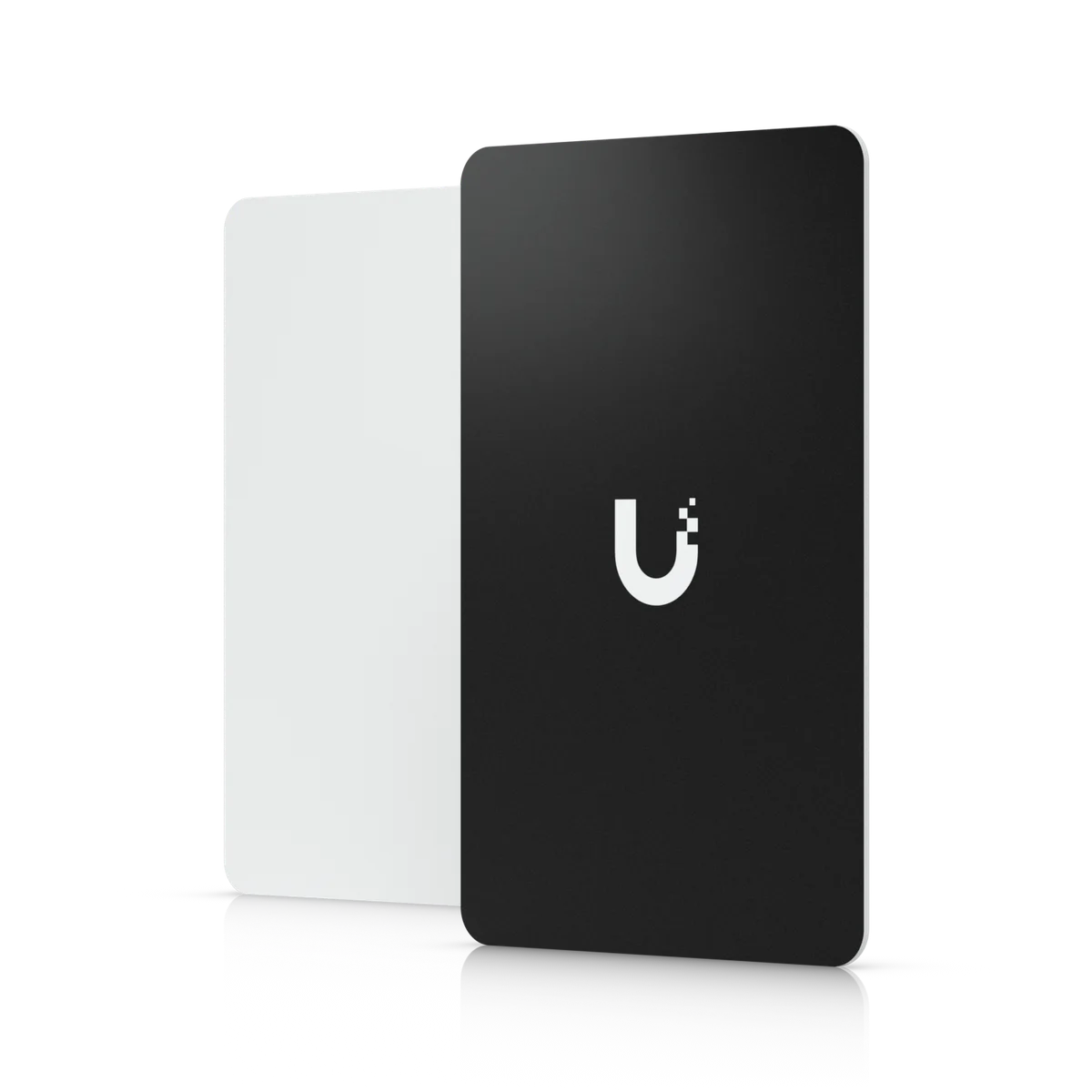
Installation, specifications and supporting equipment.
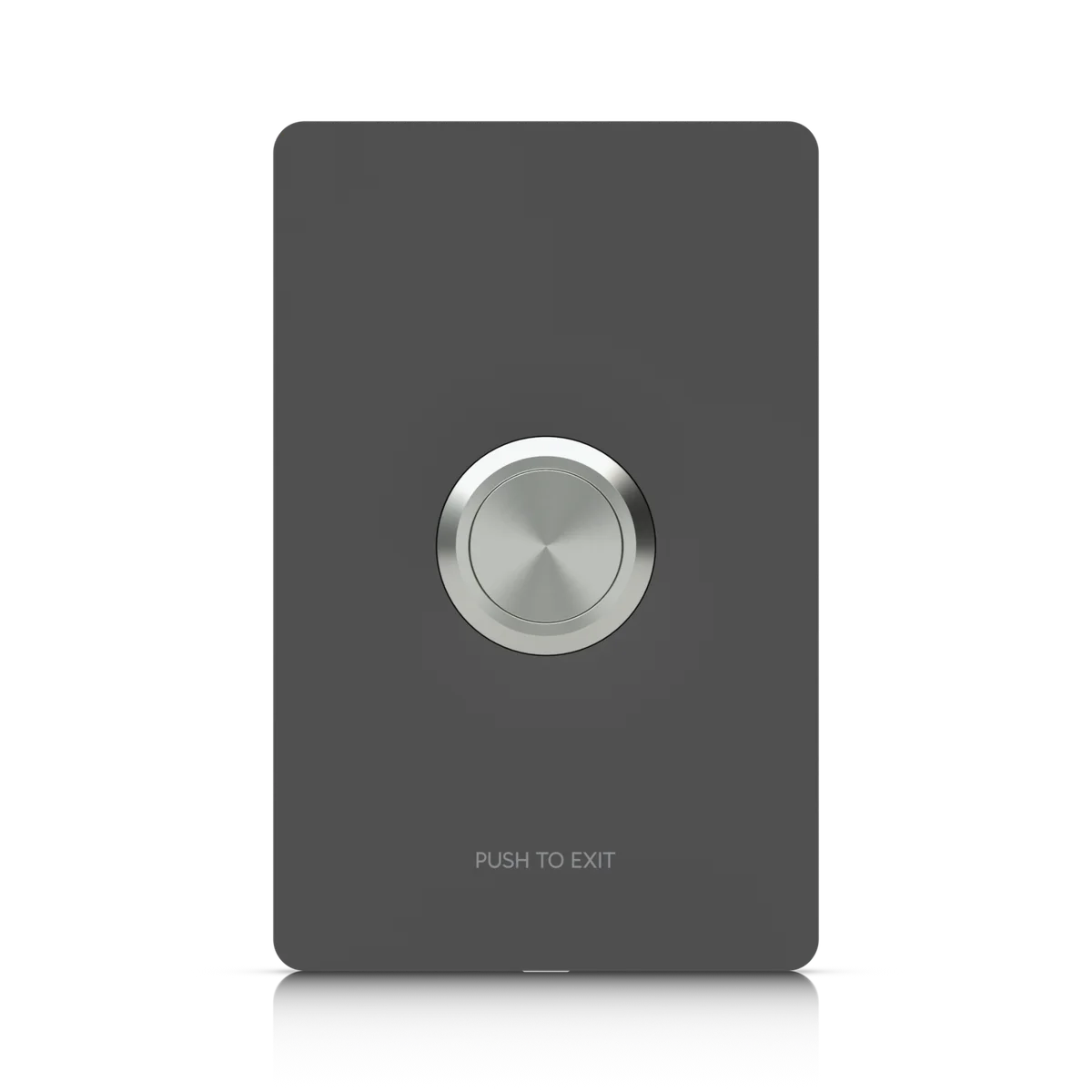
Installation, specifications and supporting equipment.
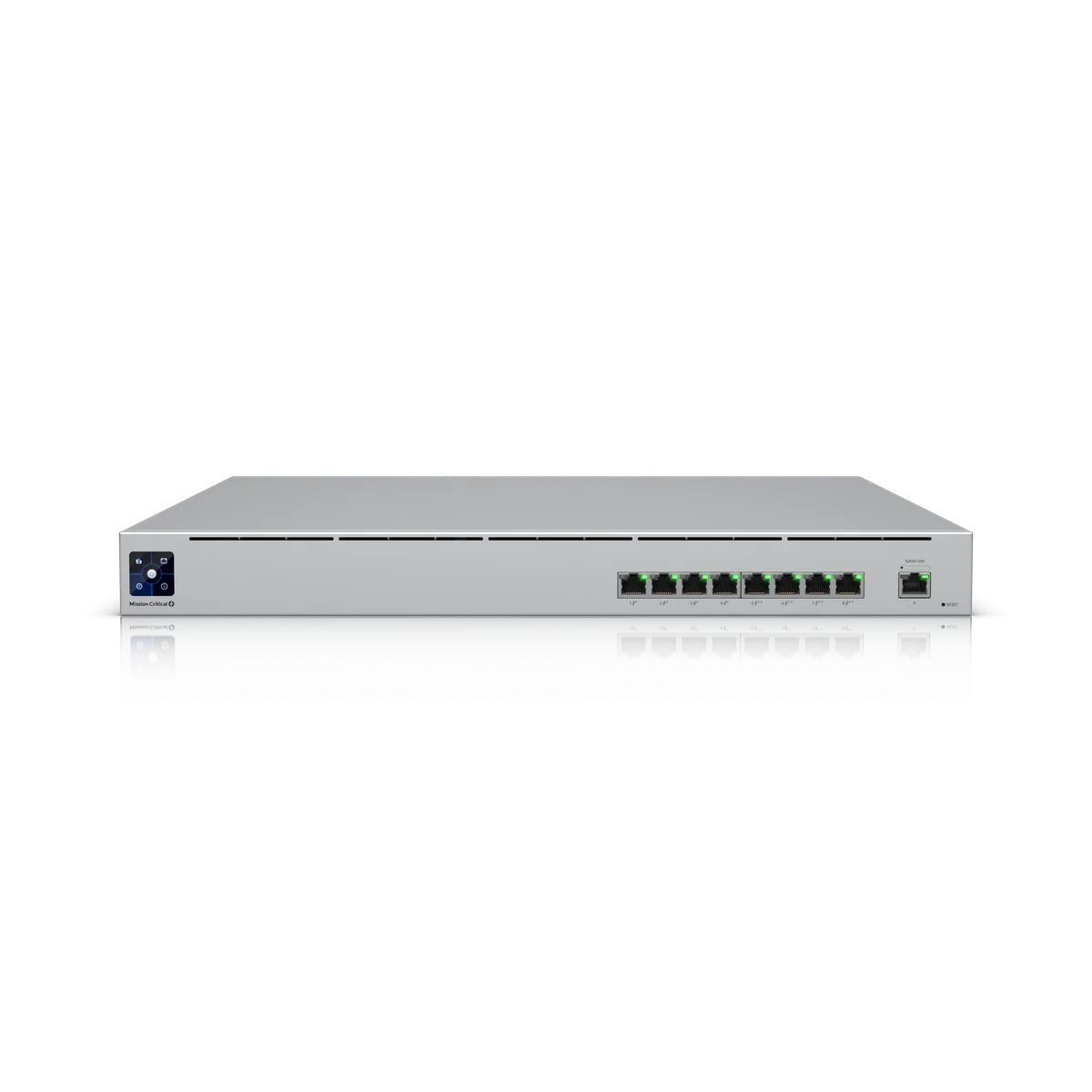
Installation, specifications and supporting equipment.
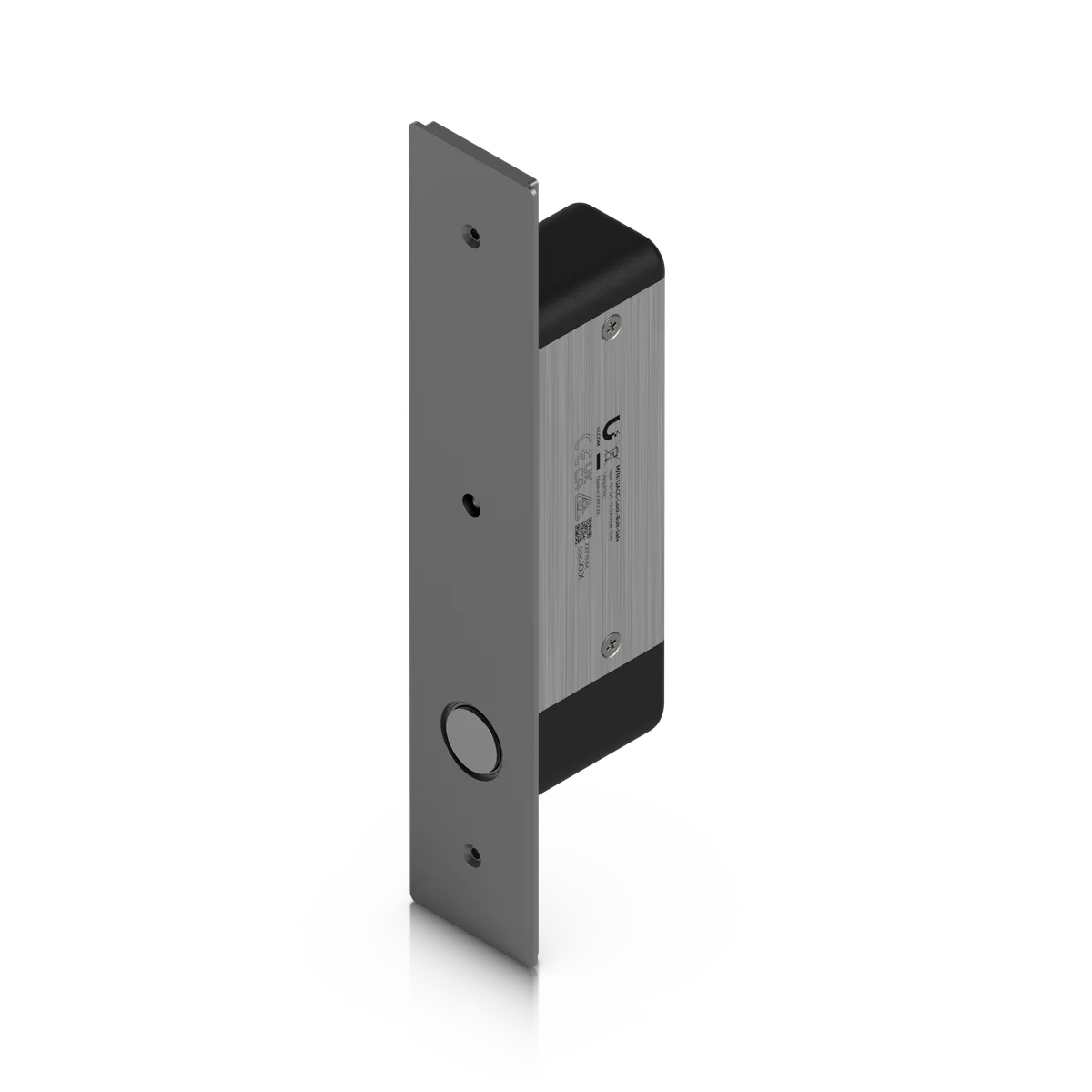
Installation, specifications and supporting equipment.
Tell us your suburb, your property and what you want to connect. We’ll work through the equipment and the installation with you.