Explore the equipment catalogue

Showing the first 40. Add a model name to narrow your search.

UVC-AI-Theta-Hub · Perth installation

UniFi AI Theta Hub
Installation Perth.

Plan your UniFi AI Theta Hub installation in Perth with Servicewest. We assess the site and supporting equipment before specifying UVC-AI-Theta-Hub.

  • Viewing angle and lighting
  • Mount, cable route and power
  • Recorder compatibility and storage
Request a site assessment Australian model, compatibility and procurement checked before the scope is confirmed.

Installing AI Theta Hub. Start with the site.

Choose the view for AI Theta Hub.

We assess the scene before specifying UVC-AI-Theta-Hub: the area to cover, mounting height, available light and the detail you need to see. The manufacturer specifications below describe the hardware; the final position is selected for the actual property.

Installation details for UVC-AI-Theta-Hub

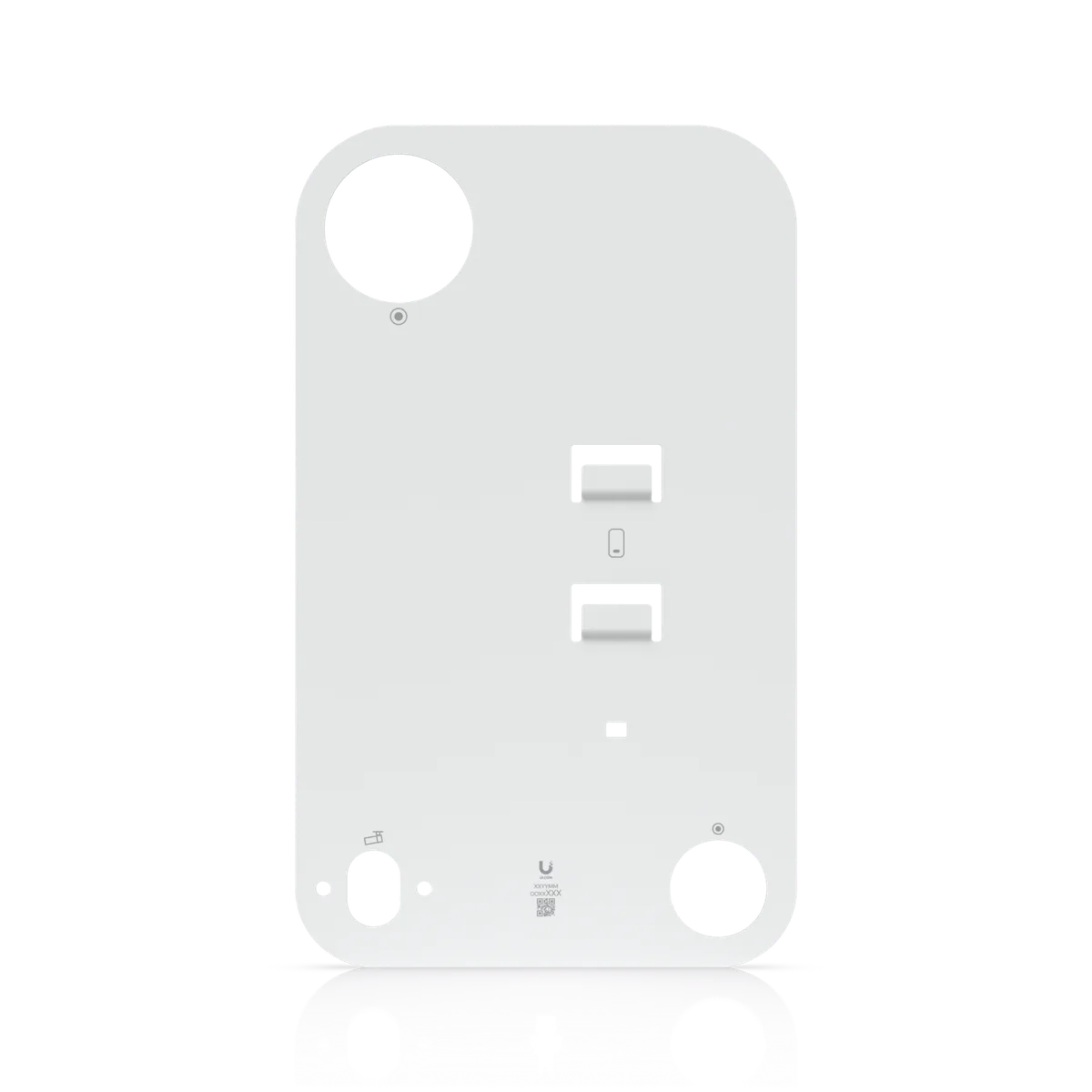
Power Method: PoE. Max. Power Consumption: 12.5W. Networking Interface: GbE RJ45 port Theta audio port Theta lens port. Mounting: Wall, ceiling mount (Included). Mounting Material: Aluminum alloy. These manufacturer figures inform the mounting, connection and site assessment; we check the final model and supporting equipment before installation.

Connect the camera to its recording system.

We check the compatible recording platform, network connection and power method for this model. The cable route and mounting arrangement are agreed before work starts. Where existing equipment is being retained, its capacity and software support are reviewed first.

Test the image and the recording.

The installation scope includes the agreed camera setup, viewing permissions and playback checks. Retention depends on the selected recorder, drives and recording settings. We show the system owner how to view and retrieve footage on the authorised devices.

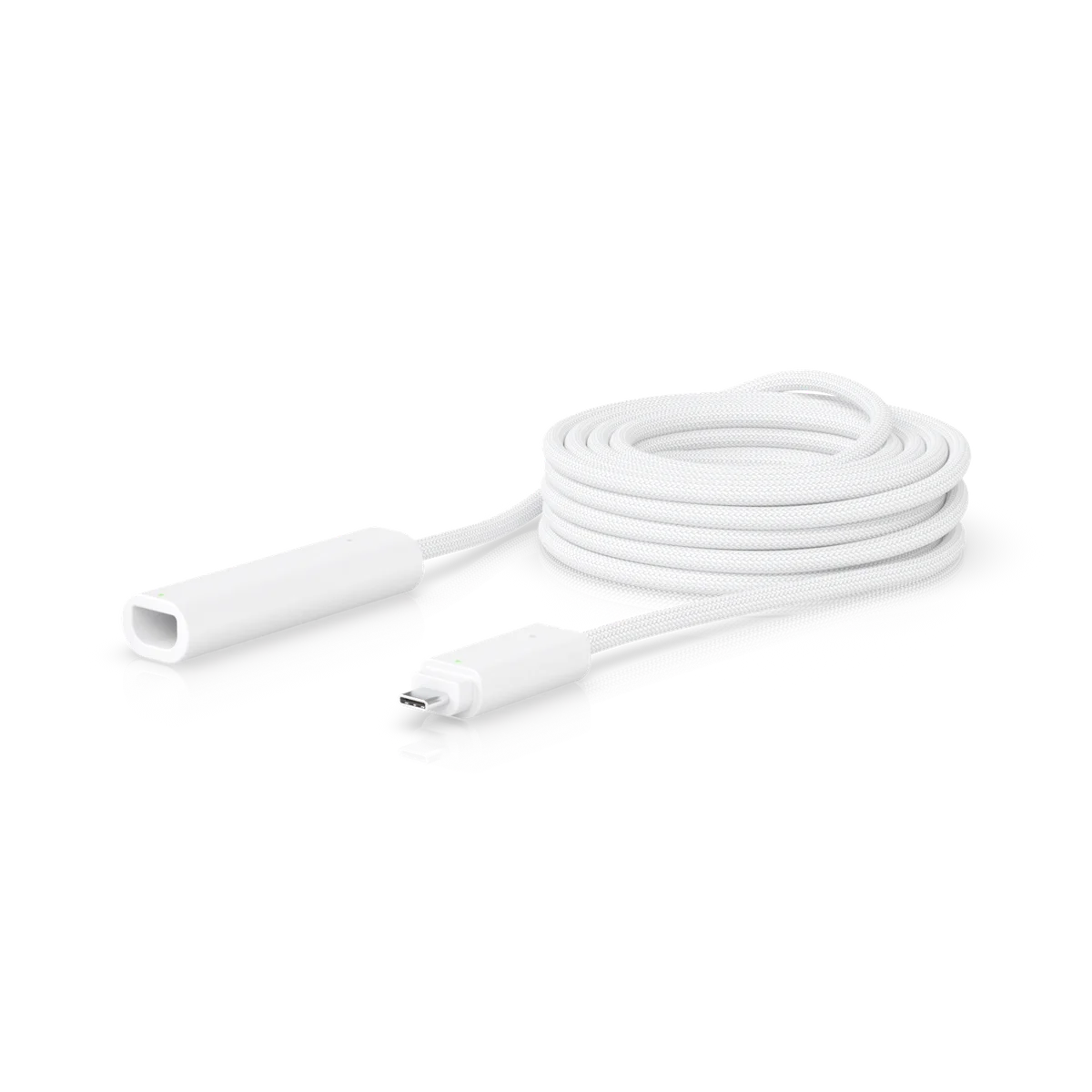
Know the
equipment.

Manufacturer specifications for UVC-AI-Theta-Hub. Check the selected model, regional version and current software requirements during assessment.

View manufacturer source
Overview
Dimensions140 x 70 x 38 mm (5.5 x 2.8 x 1.5”)
MountingWall, ceiling mount (Included)
Performance
Networking InterfaceGbE RJ45 port Theta audio port Theta lens port
Image SettingsColor, brightness, sharpness, contrast, white balance, exposure control, 2DNR, 3DNR, NR by motion, masking, text overlay
Hardware
ProcessorQuad-core Arm® Cortex®-A53 based chip
Enclosure MaterialAluminum alloy
Mounting MaterialAluminum alloy
WeightUVC-AI-Theta-Hub: 330 g (11.6 oz) UVC-AI-Theta-Hub Mount: 35 g (1.2 oz)
Power MethodPoE
Supported Voltage Range37—57V DC
Max. Power Consumption12.5W
Power Output5V DC, 1A per port
LCM Display0.96" display
Button(1) Factory reset
Ambient Operating Temperature-20 to 40° C (-4 to 104° F)
Ambient Operating Humidity10 to 90% noncondensing
CertificationsFCC, IC, CE

Plan the supporting equipment. Check the complete system.

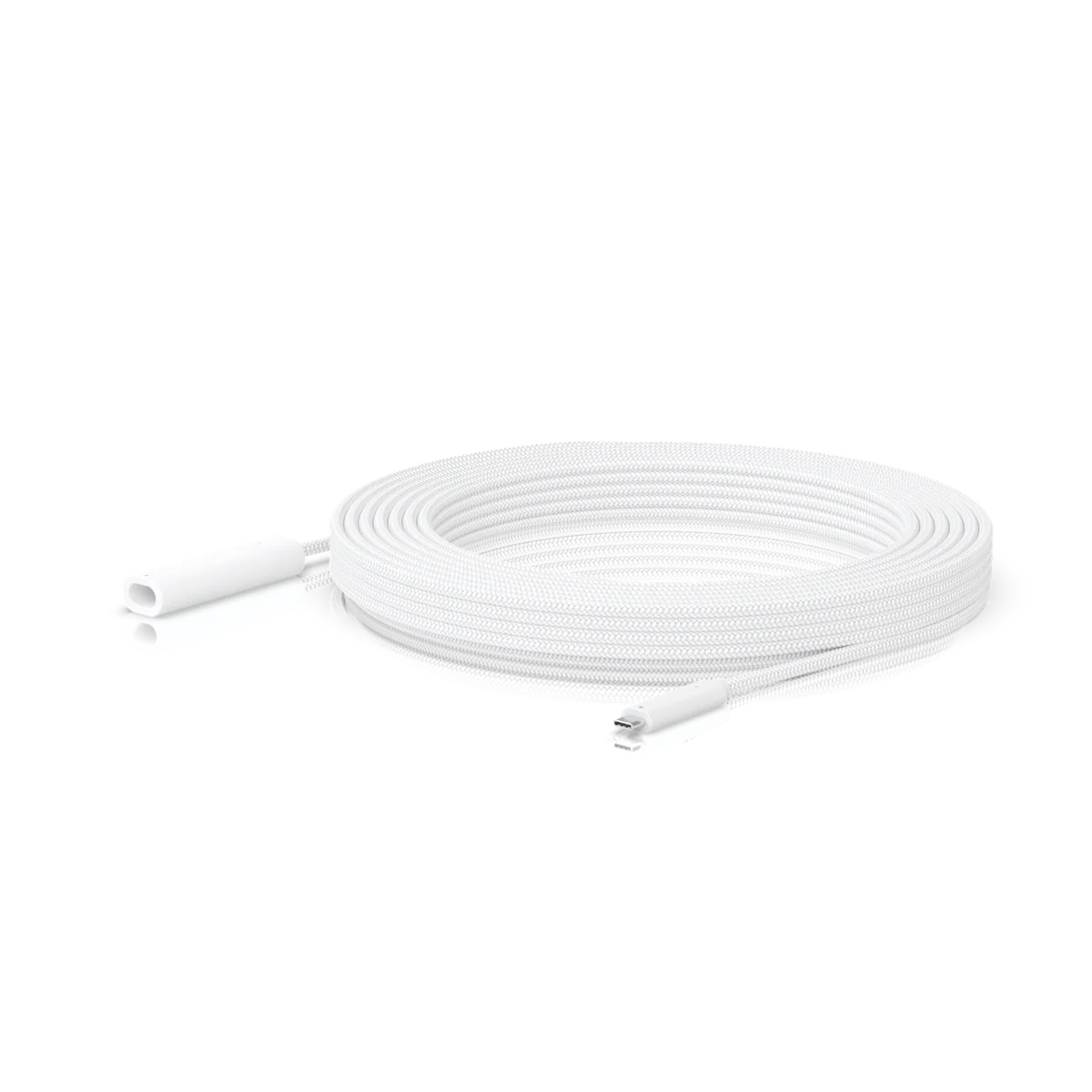
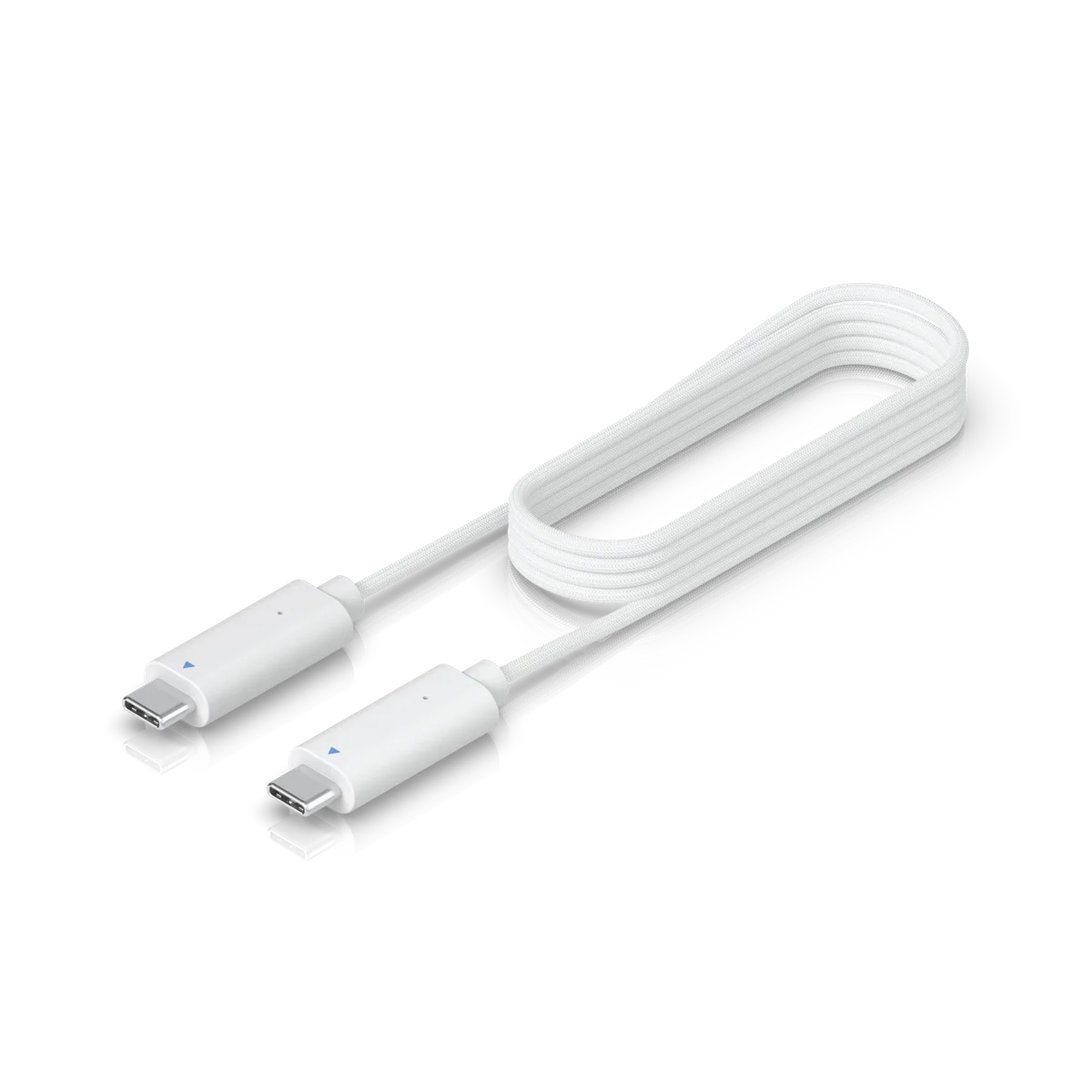
Related catalogue items to discuss. Compatibility is checked against the exact model and site design.

A few practical questions.

Can you assess AI Theta Hub for an existing system?
Yes. Include UVC-AI-Theta-Hub, your existing console or host equipment, and a brief description of the work in your enquiry. We check compatibility, capacity and site access before confirming the installation scope.
What should I send for a AI Theta Hub assessment?
Send your suburb, property type, the intended location and any existing equipment model numbers. Viewing angle and lighting and mount, cable route and power are useful starting points. Photographs of the proposed location can help with the initial discussion.
Does this page confirm Australian stock or a fixed installation price?
No. This catalogue uses manufacturer product references. We confirm the suitable Australian model, procurement options and a site-specific scope before quoting.

Keep planning.

Let’s look at your site.

Good installations
start with a conversation.

Tell us your suburb, your property and what you want to connect. We’ll work through the equipment and the installation with you.