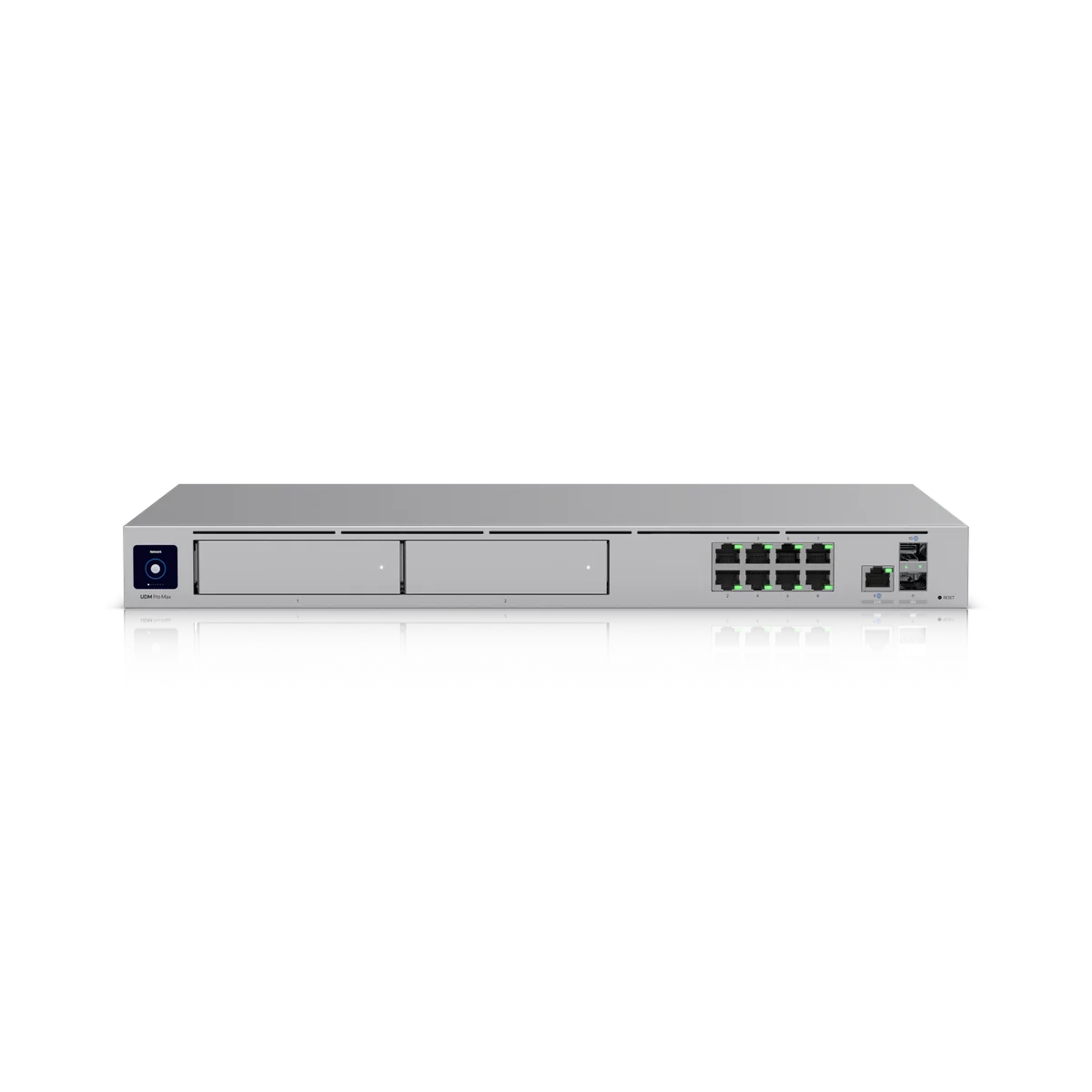
Plan Dream Machine Beast around the connection.
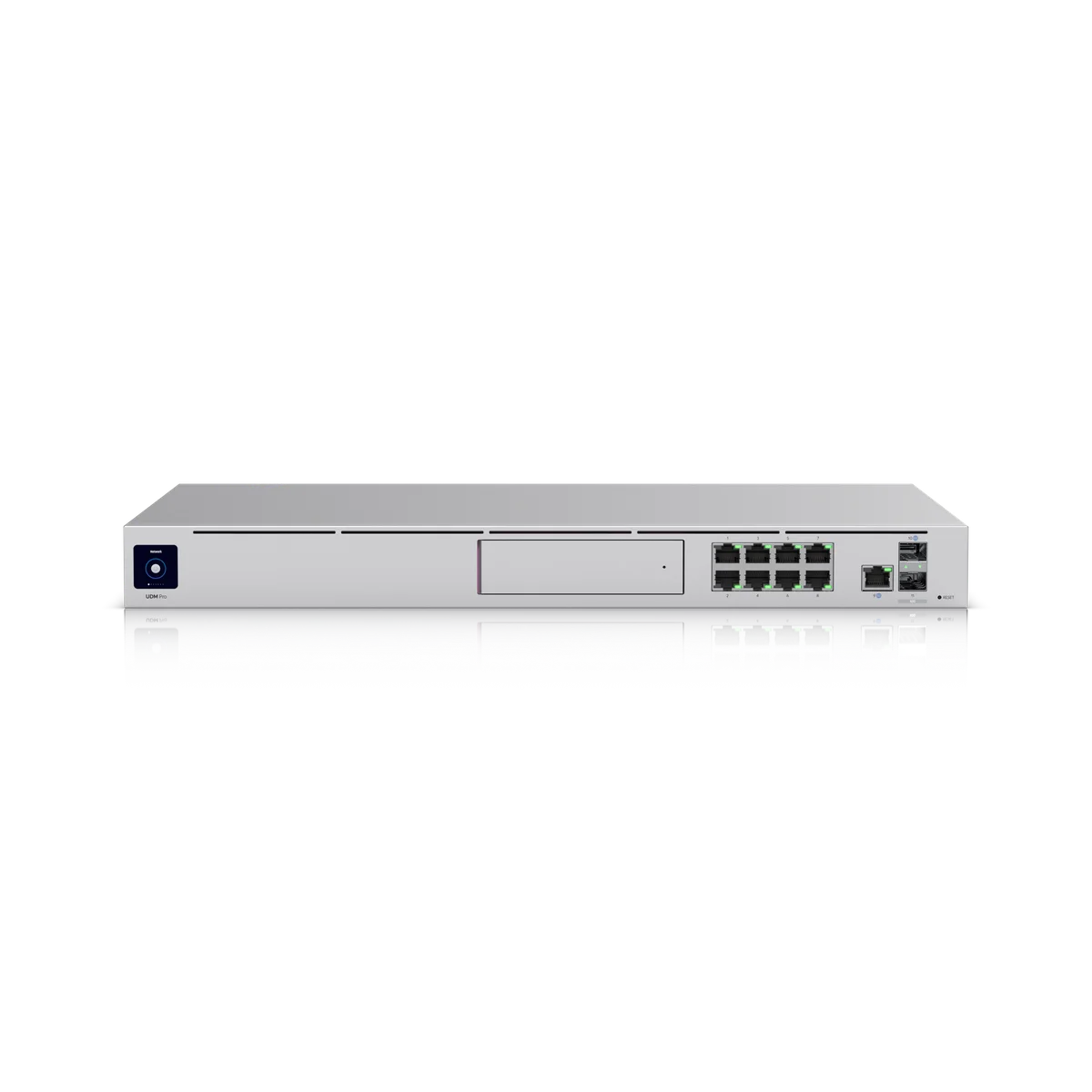
A Dream Machine Beast installation starts with your internet handoff and the network you want to run. We review the provider equipment, addressing, switches and connected systems before replacing or adding UDM-Beast. Its manufacturer throughput figures need to be read alongside the features enabled on your site.
Installation details for UDM-Beast
Power Method: (1) Universal AC input, 100–240V AC, 3A Max., 50/60 Hz (1) USP-RPS DC input, 11.5V DC, 13.05A. Max. Power Consumption: 100W. Dimensions: 442.4 x 43.7 x 325 mm (17.4 x 1.7 x 12.8"). Ambient Operating Temperature: 0 to 40° C (32 to 104° F). These manufacturer figures inform the mounting, connection and site assessment; we check the final model and supporting equipment before installation.
Protect the changeover window.
Existing settings, remote access and dependencies are recorded before work begins. We agree the outage window and any coordination needed with your IT provider. Networks for staff, guests and equipment are configured to the agreed design.
Make ownership clear.
UniFi console ownership, administrator accounts, recovery and configuration backups belong in the handover. We test the agreed internet and local network functions, then explain how to access the system and manage routine changes.