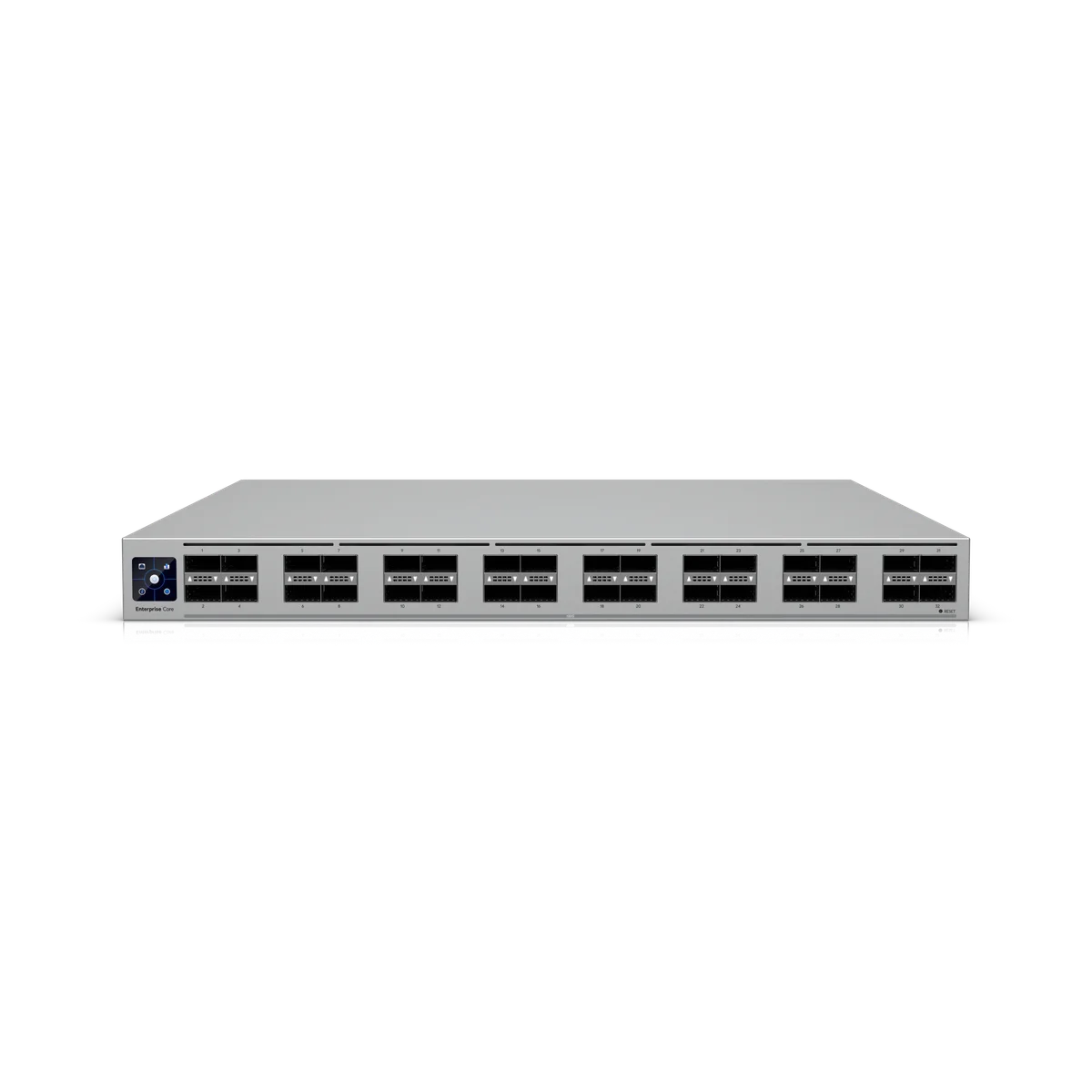
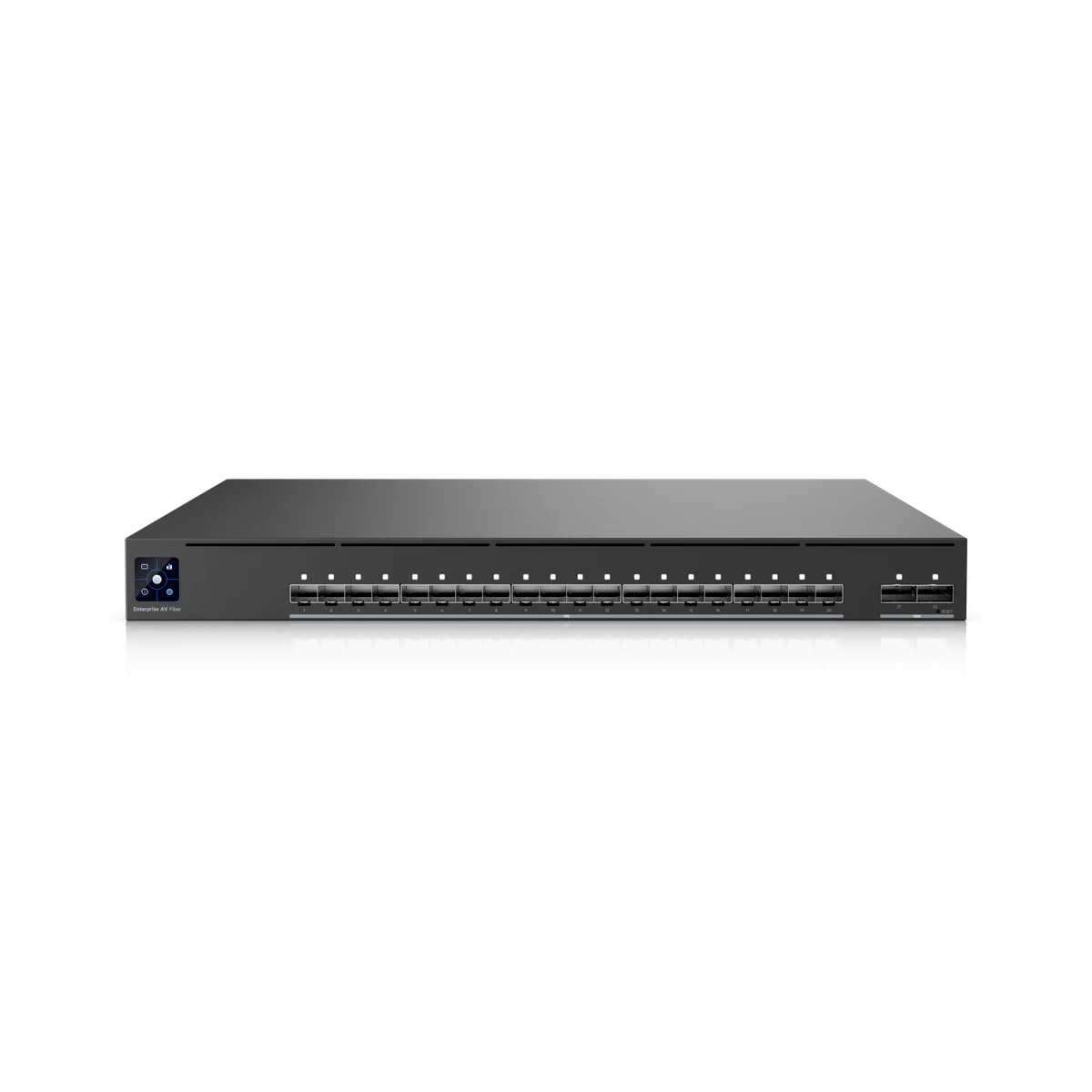
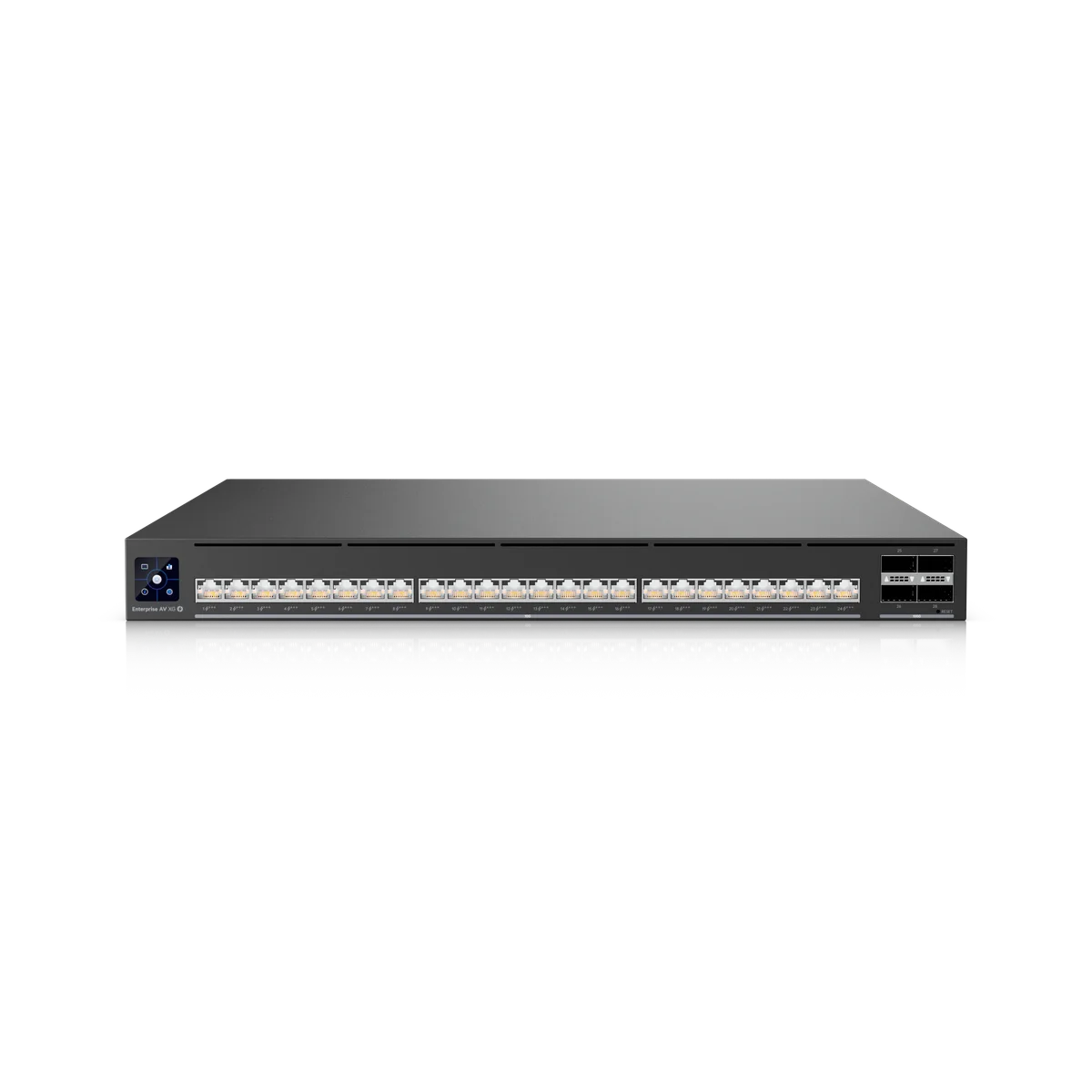
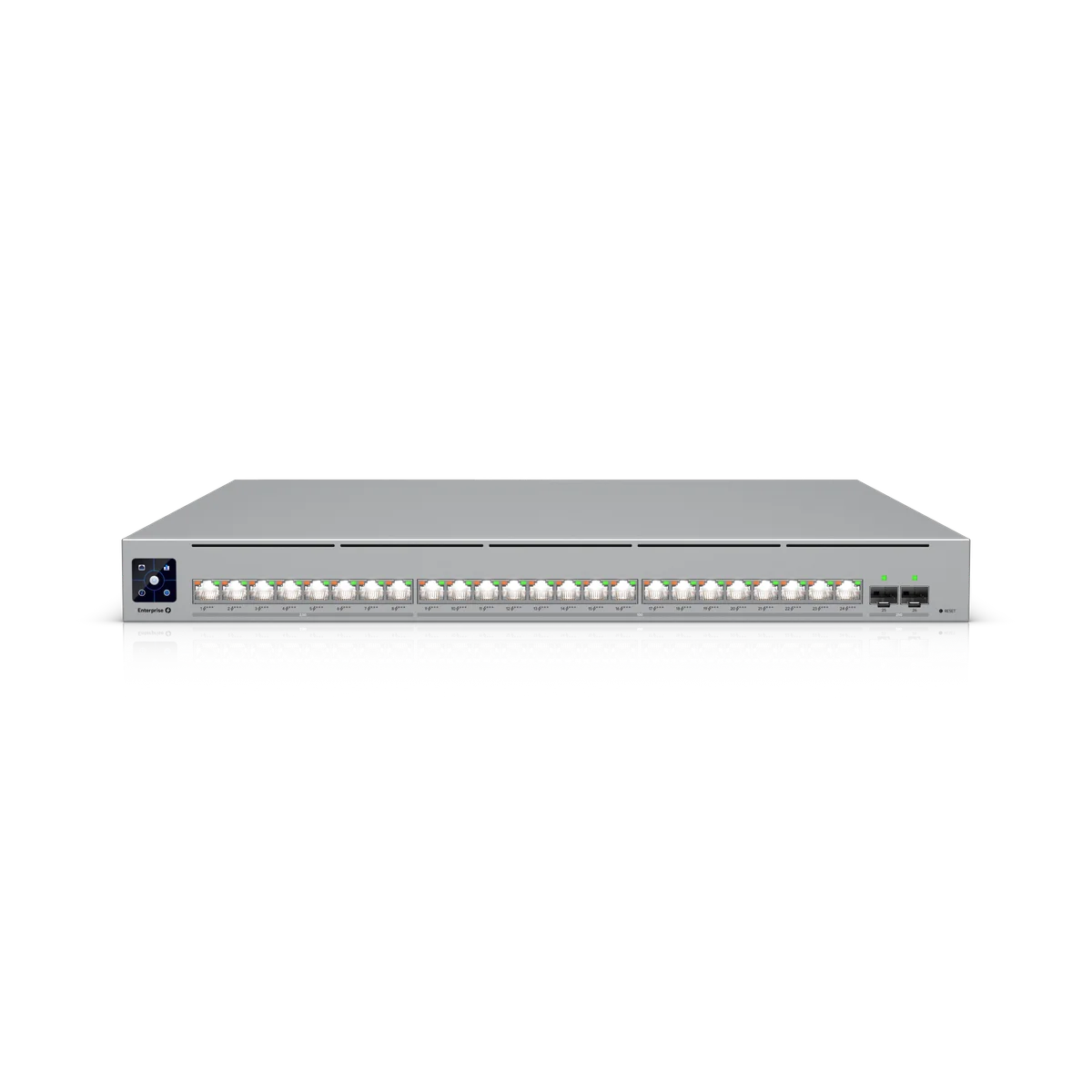
Put Switch Enterprise Campus 24S in the right part of the network.
We scope ECS-24S around the number and type of devices it will connect. Port speeds and uplinks need to match the equipment at both ends. A switch selected for cameras can have different requirements from one serving high-speed access points, workstations or another cabinet.
Installation details for ECS-24S
Power Method: (2) Universal input, 100–240V AC, 50/60 Hz. Max. Power Consumption: 150W. Dimensions: 442.4 x 44 x 496 mm (17.4 x 1.7 x 19.5"). Ambient Operating Temperature: -5 to 40° C (23 to 104° F). These manufacturer figures inform the mounting, connection and site assessment; we check the final model and supporting equipment before installation.
Check the links and supporting equipment.
We check port media, uplink capacity and any transceivers or adapters required. Devices that need PoE may require a separate compatible source. We confirm this in the equipment list rather than assuming every Ethernet port supplies power.
Install for future servicing.
The work includes the agreed mounting, patching, labels and UniFi adoption. We confirm the switch management network and any VLAN or uplink settings with the system owner, then test the connected devices. Rack airflow and access remain part of the physical layout.