Choose the view for G4 Instant.
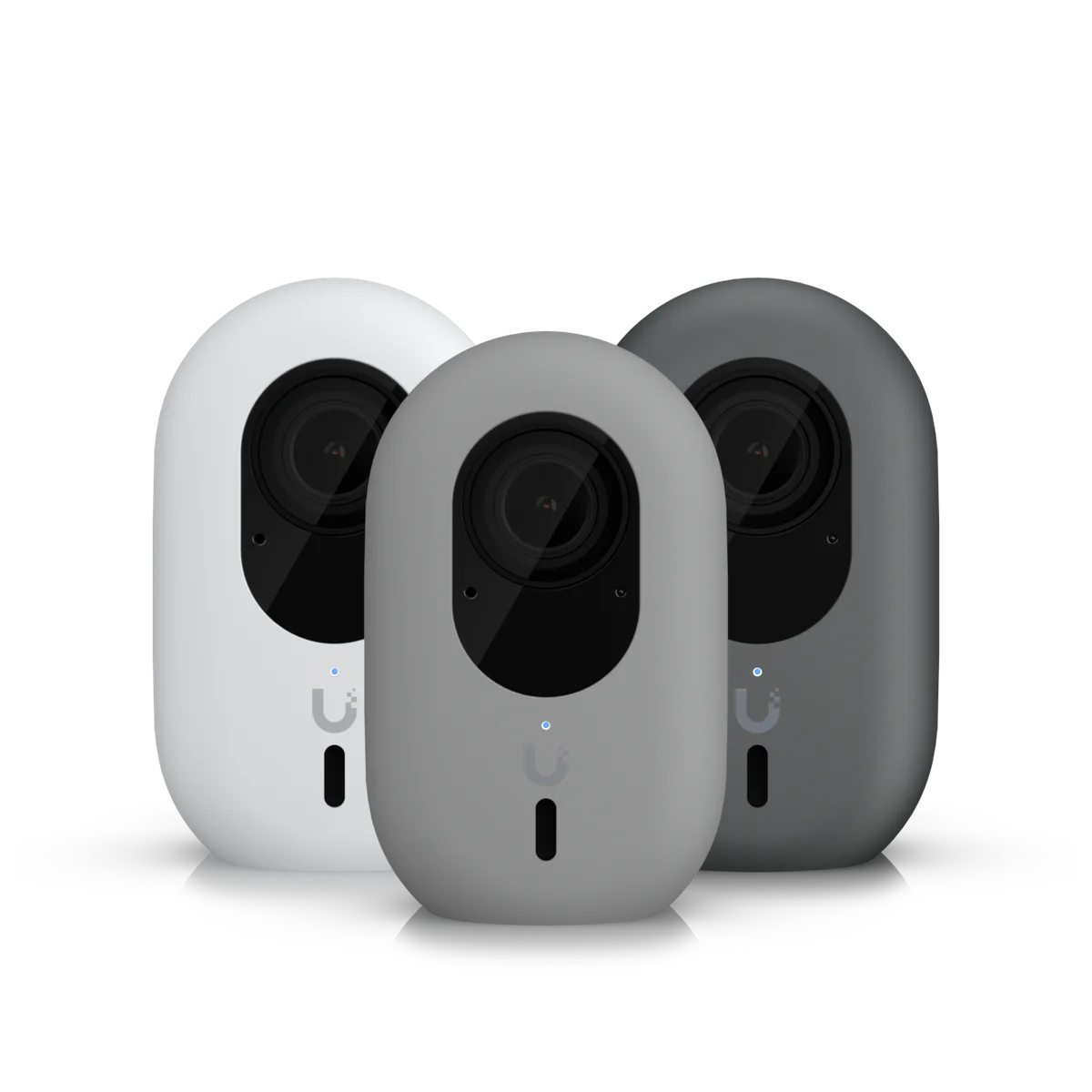
We assess the scene before specifying UVC-G4-INS: the area to cover, mounting height, available light and the detail you need to see. The manufacturer specifications below describe the hardware; the final position is selected for the actual property.
Installation details for UVC-G4-INS
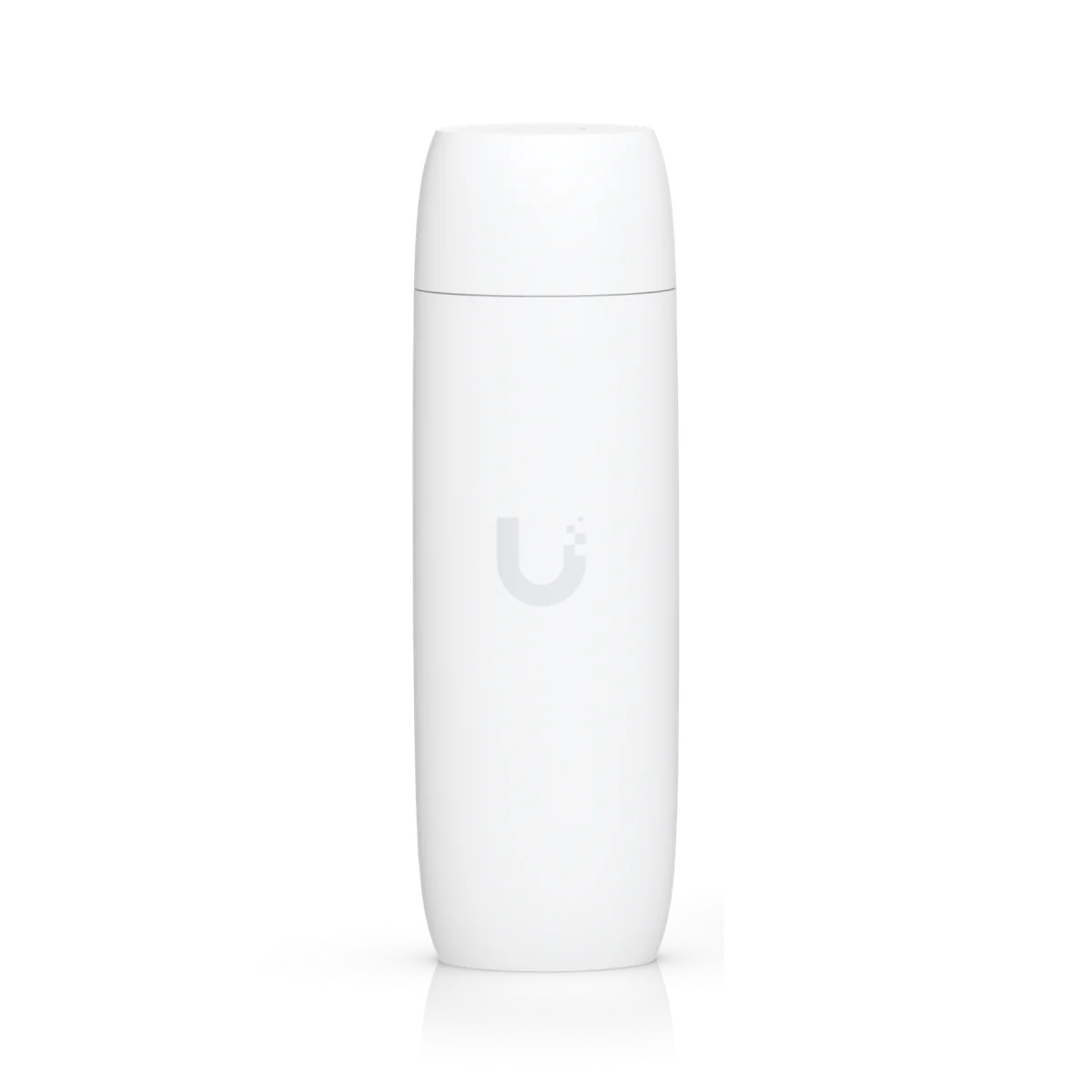
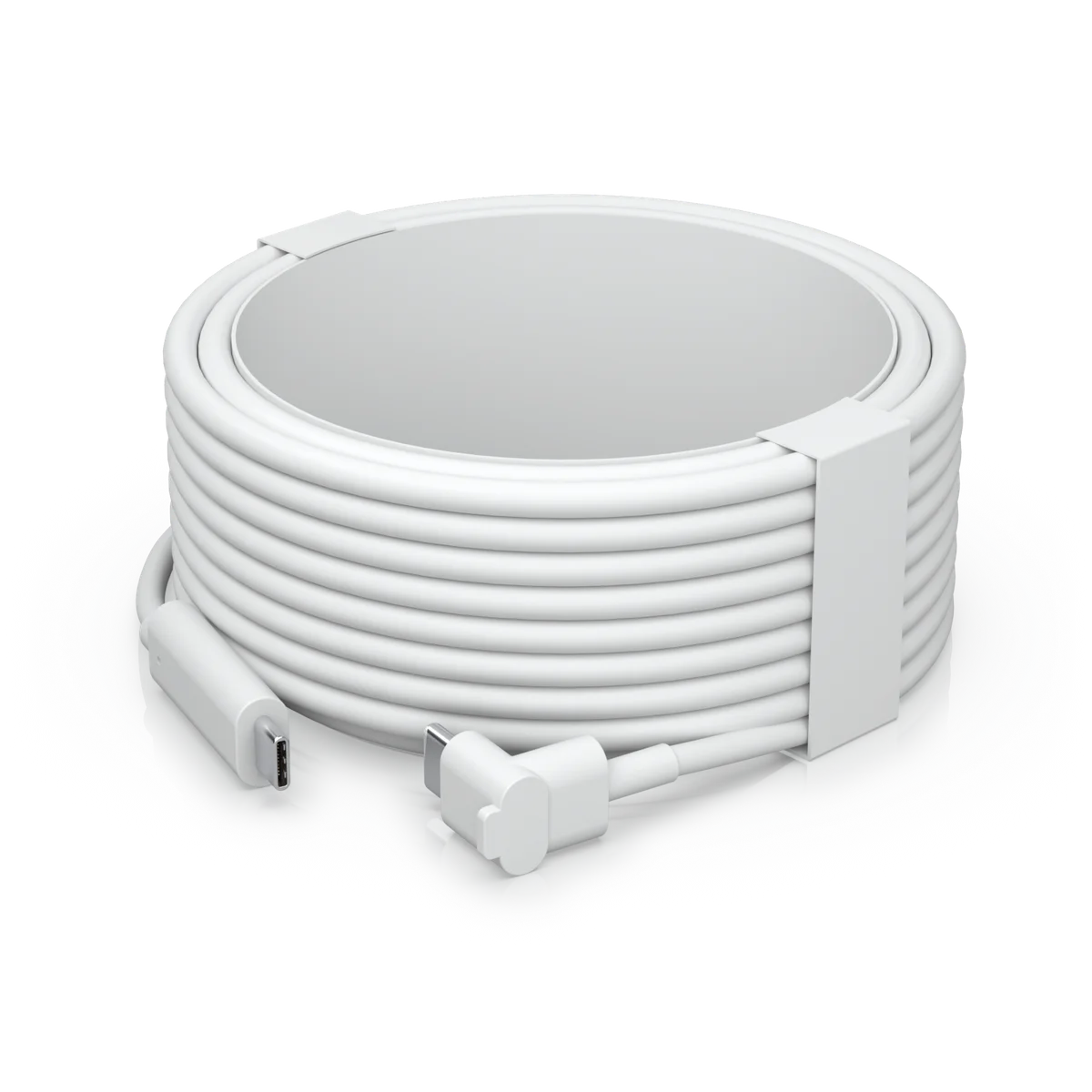
Power Method: 5V, 2A USB power adapter (Included) Instant PoE to USB adapter (Optional). Max. Power Consumption: 6W. Networking Interface: 802.11 a/b/g/n/ac WiFi Bluetooth. Mounting: Wall mount accessory (Included). Weatherproofing: IPX5. These manufacturer figures inform the mounting, connection and site assessment; we check the final model and supporting equipment before installation.
Connect the camera to its recording system.
We check the compatible recording platform, network connection and power method for this model. The cable route and mounting arrangement are agreed before work starts. Where existing equipment is being retained, its capacity and software support are reviewed first.
Test the image and the recording.
The installation scope includes the agreed camera setup, viewing permissions and playback checks. Retention depends on the selected recorder, drives and recording settings. We show the system owner how to view and retrieve footage on the authorised devices.