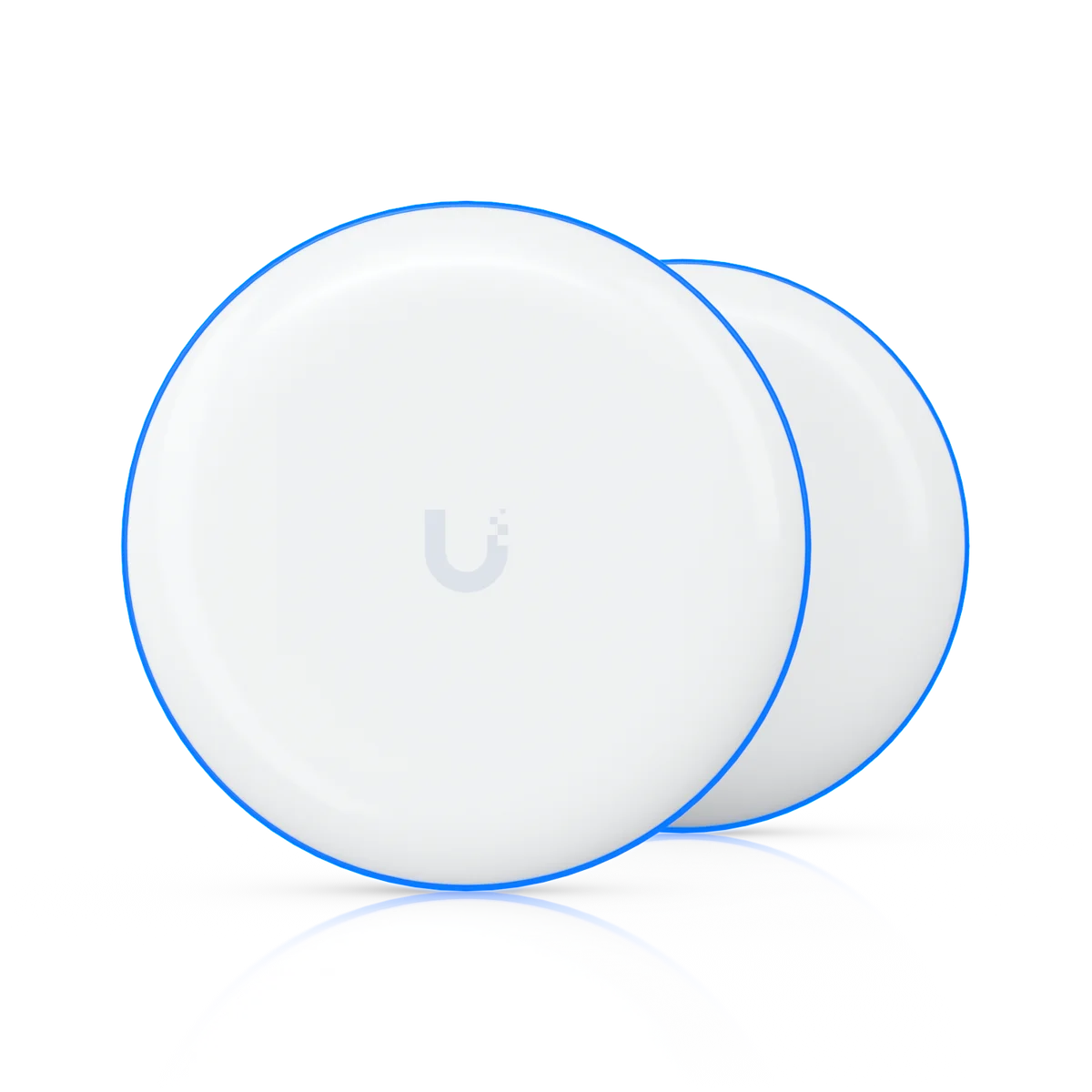
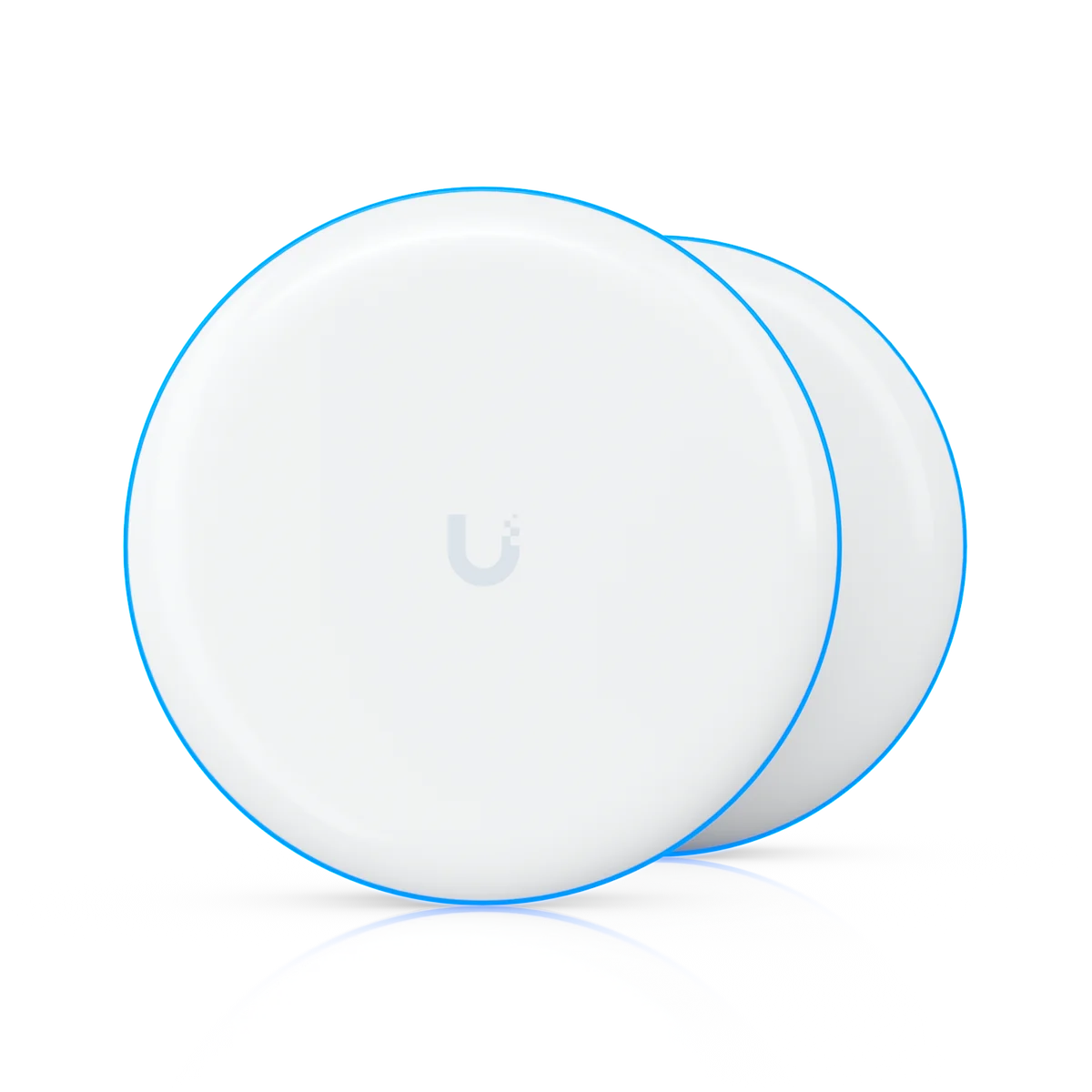
Position Device Bridge Switch around your building.
For a Device Bridge Switch installation, the floor plan and the intended mounting location come before a coverage promise. We assess walls, ceiling height, client devices and neighbouring wireless networks. The UDB-Switch specifications below help establish whether this model fits the proposed location.
Installation details for UDB-Switch
Power Method: DC jack (54V DC/1.1A). Max. Power Consumption: 25W (Excluding PoE output). Networking Interface: (1) 10 GbE RJ45 port (7) 2.5 GbE RJ45 ports. Mounting Locations: Desktop, wall. Dimensions: 212.9 x 113 x 32.5 mm (8.4 x 4.4 x 1.3"). These manufacturer figures inform the mounting, connection and site assessment; we check the final model and supporting equipment before installation.
Check the outdoor path.
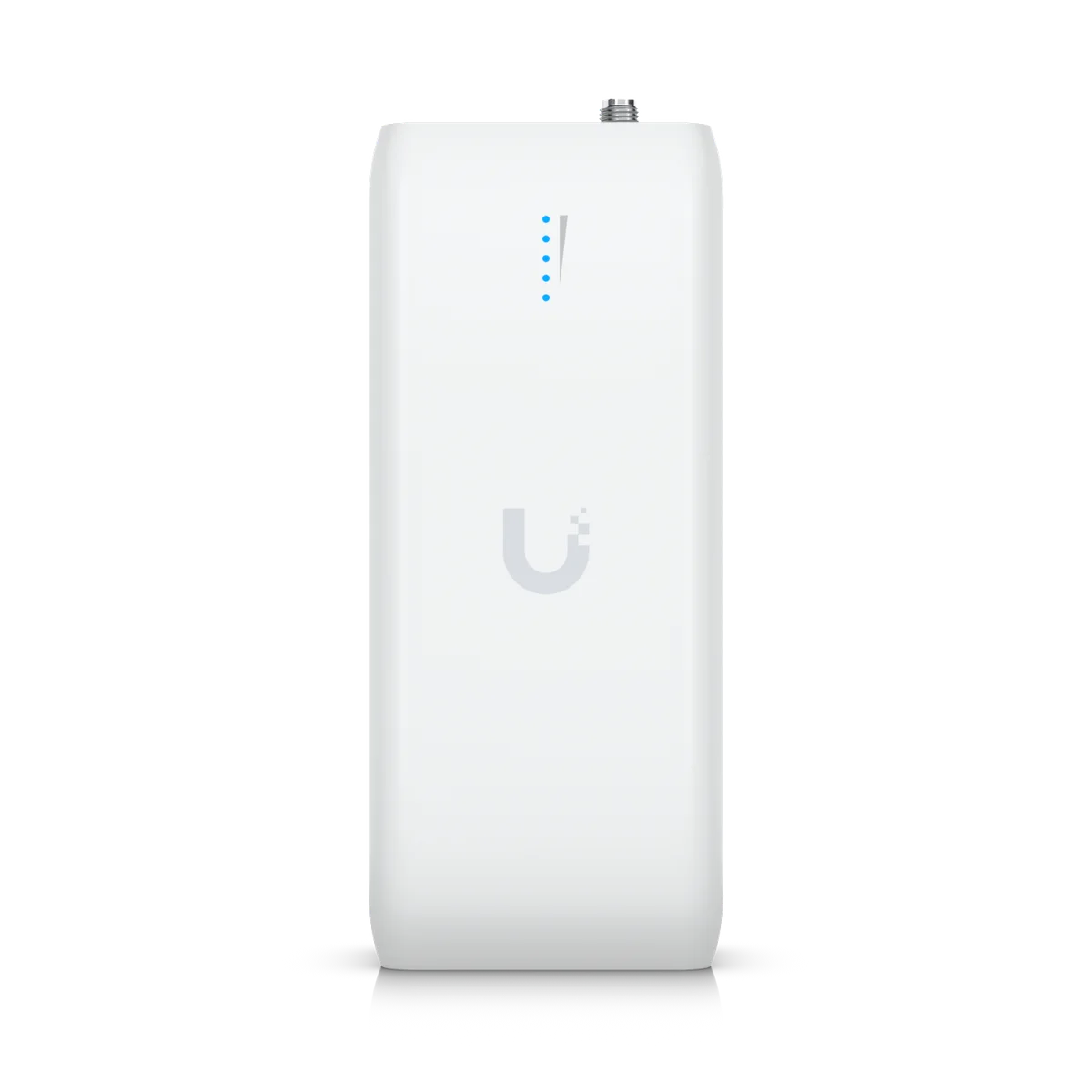
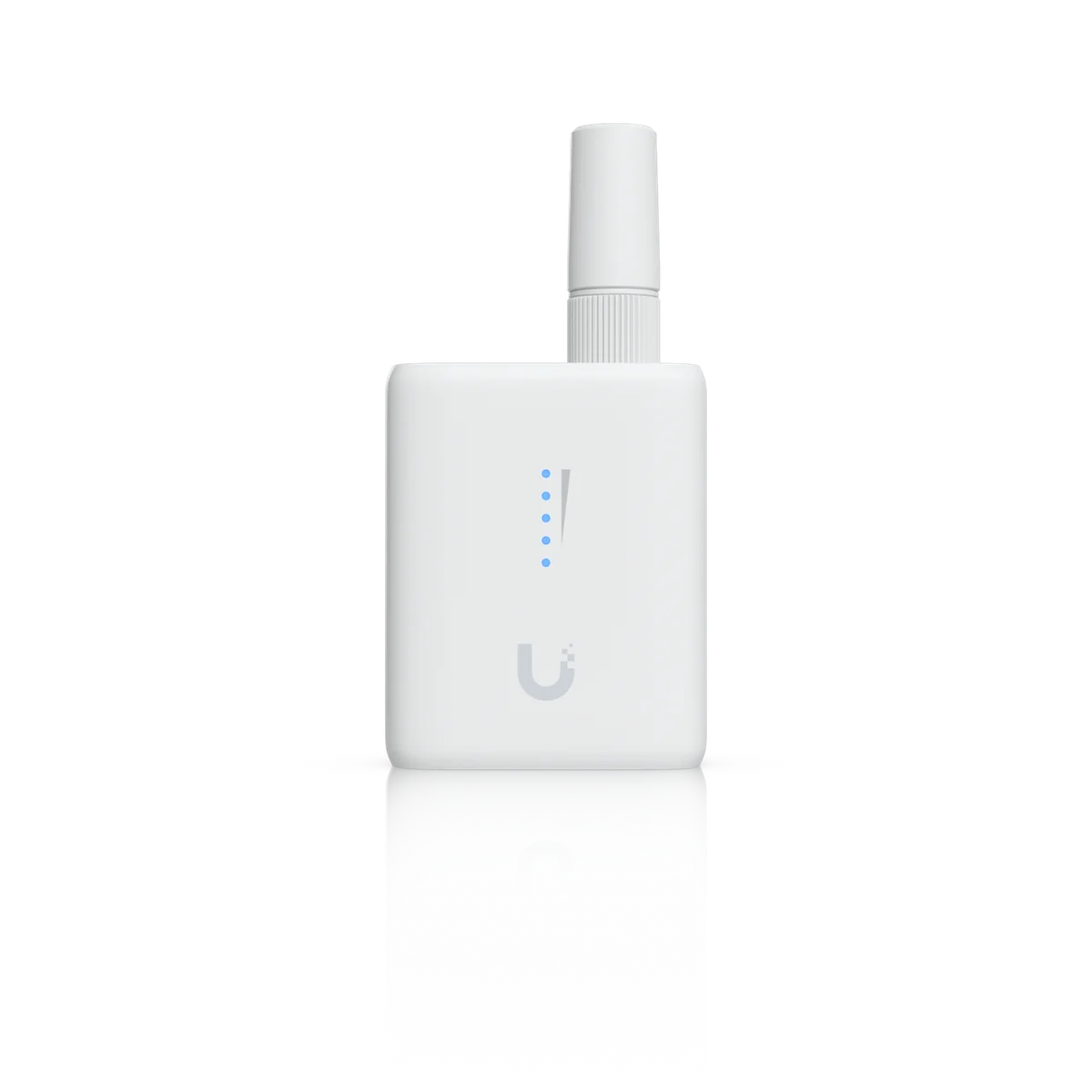
Outdoor access and building links need a site-specific review of mounting, exposure, cable entry and the radio path. We confirm whether the intended use is local WiFi coverage or a link between buildings, and check the equipment needed at each end.
Configure and test the agreed areas.
Network names, guest access, security settings and roaming are configured for the devices using the property. We test in the agreed locations and explain any remaining limitations. Internet speed and client capability still affect the experience at the endpoint.