Explore the equipment catalogue

Showing the first 40. Add a model name to narrow your search.

ENVR · Perth installation

UniFi Enterprise NVR
Installation Perth.

Plan your UniFi Enterprise NVR installation in Perth with Servicewest. We assess the site and supporting equipment before specifying ENVR.

  • Compatible Protect equipment
  • Supported network and power interfaces
  • Intended function and authorised users
Request a site assessment Australian model, compatibility and procurement checked before the scope is confirmed.

Variant: US Version

Installing Enterprise NVR. Start with the site.

Place Enterprise NVR within the Protect system.

The ENVR performs a supporting role in the camera system. We check its exact function, compatible host equipment, software requirements and network or display connections before including it in the scope. Its supported application determines how it can be used.

Installation details for ENVR

Power Method: (2) AC input, 100–240V, 7A Max., 50/60Hz (Redundant, hot-swappable). Max. Power Consumption: 410W. Networking Interface: (2) 10G SFP+ ports (1) 10 GbE RJ45 port. Dimensions: 481.4 x 480 x 132 mm (19 x 18.9 x 5.2"). Ambient Operating Temperature: -5 to 40° C (23 to 104° F). These manufacturer figures inform the mounting, connection and site assessment; we check the final model and supporting equipment before installation.

Check the connections and location.

We review the available interface, power source and the location where the device will be used. Display, processing and notification devices each have different dependencies. The manufacturer specifications below are checked against the system already on site.

Test the intended function.

Configuration and handover cover the specific viewing, notification or processing task agreed for this product. User access and compatibility limits are explained alongside the wider Protect installation.

Know the
equipment.

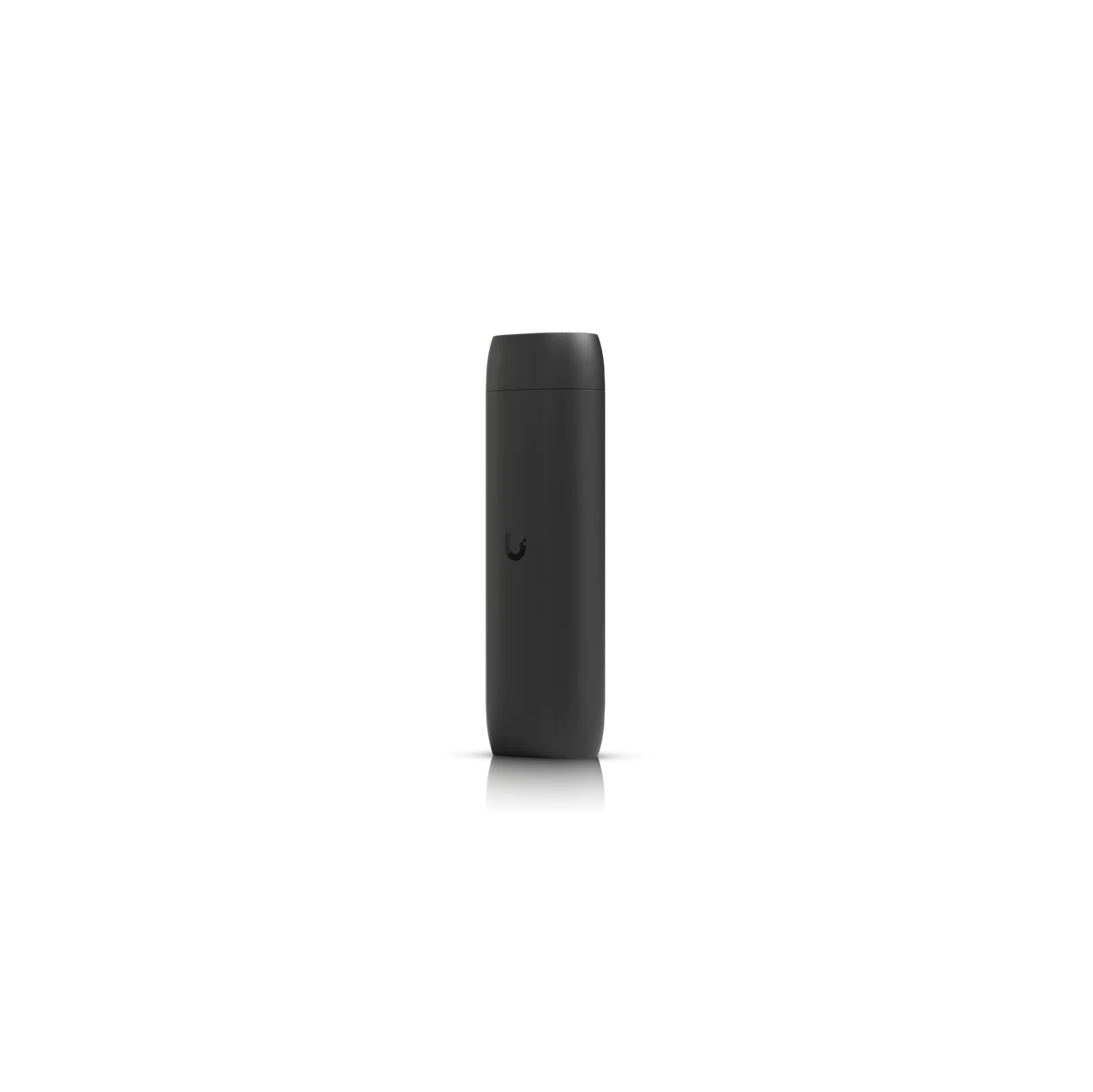
Manufacturer specifications for ENVR. Check the selected model, regional version and current software requirements during assessment.

View manufacturer source
At a glance
Managed Cameras (grid)210 HD or 70 4K
Ports1 10 GbE + 2 SFP+
Power2 Hot-Swap PSUs
SecurityRAID Protection
Storage16 2.5/3.5" HDD / SSD
Overview
Dimensions481.4 x 480 x 132 mm (19 x 18.9 x 5.2")
Managed Cameras(210) HD (140) 2K (70) 4K
Managed Access Hubs300Please note, Reader Pro and Intercom quantities must be below Protect supported camera limits.
Storage Capacity(16) 2.5/3.5" drive bays
Networking Interface(2) 10G SFP+ ports (1) 10 GbE RJ45 port
Form FactorRack Mount (3U)
Management ApplicationUniFi Protect UniFi Access UniFi Connect
Hardware
Hard Drive Capacity(16) 2.5/3.5" HDD / SSD support
Max. Power Budget for Drives310W
Max. Power Consumption410W
Power Method(2) AC input, 100–240V, 7A Max., 50/60Hz (Redundant, hot-swappable)
Power SupplyHot-swappable 550W CRPS
Processor8-core ARM® at 2.5 GHz
Memory32 GB
ManagementEthernet
DisplayBezel (Optional)
WeightWithout rails: 16.6 kg (36.6 lb) With rails: 19.5 kg (43.0 lb)
Enclosure MaterialSGCC steel
Mount MaterialAluminum
Slide Rails482.6 mm (19") four-post racks Posts depths ranging from 650 to 1,000 mm (25.6–39.4”)
FaceplateENVR Bezel, 3U Bezel, 3U Bezel Lite (Optional)
Ambient Operating Temperature-5 to 40° C (23 to 104° F)
Ambient Operating Humidity5 to 95% noncondensing
CertificationsCE, FCC, IC

Plan the supporting equipment. Check the complete system.

Related catalogue items to discuss. Compatibility is checked against the exact model and site design.

A few practical questions.

Can you assess Enterprise NVR for an existing system?
Yes. Include ENVR, your existing console or host equipment, and a brief description of the work in your enquiry. We check compatibility, capacity and site access before confirming the installation scope.
What should I send for a Enterprise NVR assessment?
Send your suburb, property type, the intended location and any existing equipment model numbers. Compatible Protect equipment and supported network and power interfaces are useful starting points. Photographs of the proposed location can help with the initial discussion.
Does this page confirm Australian stock or a fixed installation price?
No. This catalogue uses manufacturer product references. We confirm the suitable Australian model, procurement options and a site-specific scope before quoting.

Keep planning.

Let’s look at your site.

Good installations
start with a conversation.

Tell us your suburb, your property and what you want to connect. We’ll work through the equipment and the installation with you.