Explore the equipment catalogue

Showing the first 40. Add a model name to narrow your search.

UP-AlarmHub-Kit · Perth installation

UniFi Protect Alarm Hub Kit
Installation Perth.

Plan your UniFi Protect Alarm Hub Kit installation in Perth with Servicewest. We assess the site and supporting equipment before specifying UP-AlarmHub-Kit.

  • Australian suitability and supported platform
  • Placement and communication path
  • Power, alerts and routine testing
Request a site assessment Australian model, compatibility and procurement checked before the scope is confirmed.

Installing Protect Alarm Hub Kit. Start with the site.

Confirm the supported system and region.

The Protect Alarm Hub Kit (UP-AlarmHub-Kit) needs to be assessed against its supported application, radio or network connection and intended use. A US catalogue listing does not establish Australian approval or suitability. These points need confirmation before installation is proposed.

Installation details for UP-AlarmHub-Kit

Power Method: PoE++/PoE+++ 12V SLA battery. Max. Power Consumption: 90W. Networking Interface: (1) 10/100 MbE RJ45 port. Mounting: Wall. Dimensions: 379 x 355 x 105 mm (15 x 14 x 4.1"). These manufacturer figures inform the mounting, connection and site assessment; we check the final model and supporting equipment before installation.

Place it for its intended measurement.

Detection devices need a location that suits the condition being monitored. We review the manufacturer placement requirements, environmental limits, connection path and maintenance access. The exact model determines what can be detected and how alerts reach an authorised user.

Agree what an alert means.

Notification recipients, routine testing and battery or power maintenance need an owner. The agreed functions and limitations belong in the handover. A connected sensor must not be assumed to replace a required certified safety system or a monitored alarm service.

Know the
equipment.

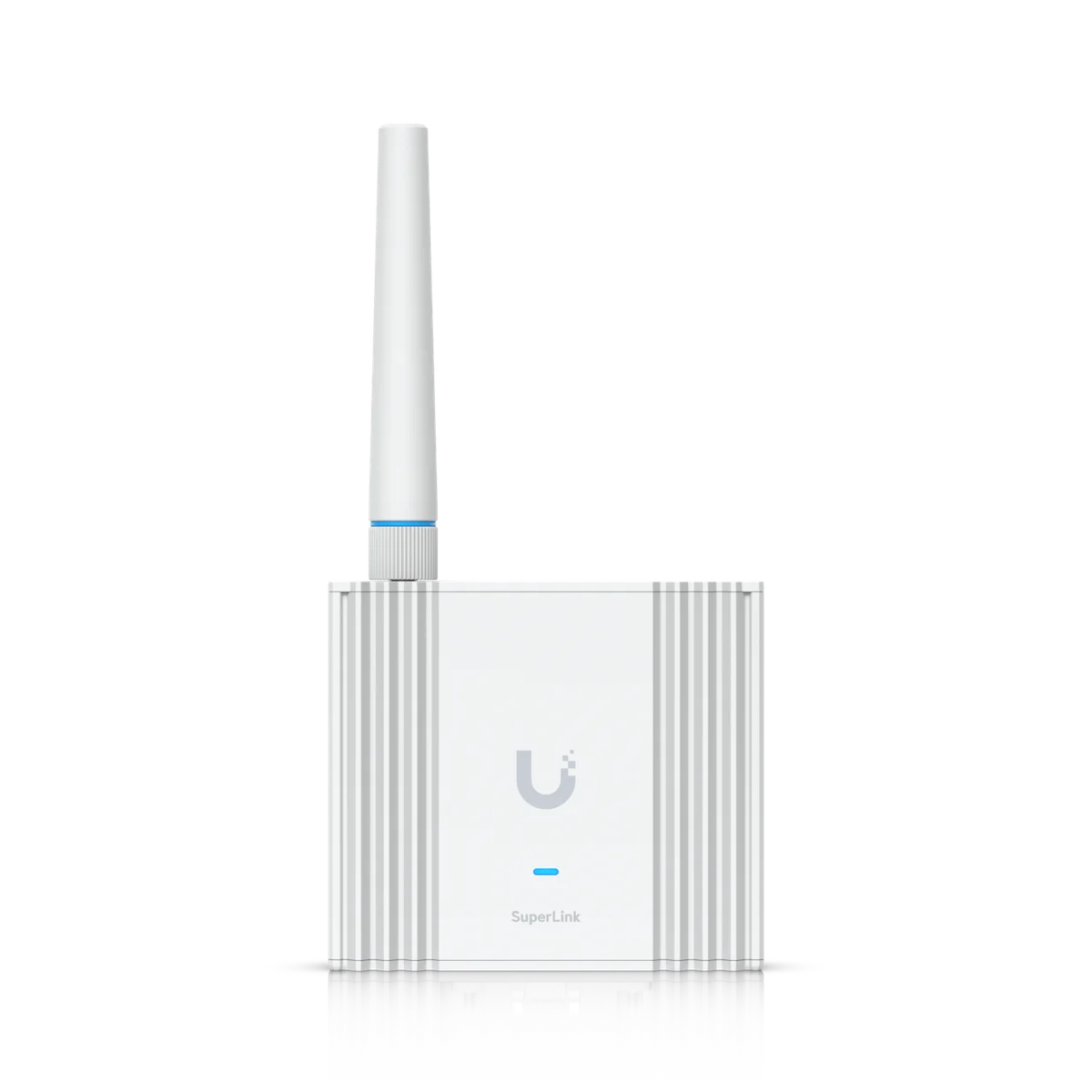
Manufacturer specifications for UP-AlarmHub-Kit. Check the selected model, regional version and current software requirements during assessment.

View manufacturer source
At a glance
AUX Terminals2 AUX Terminals
PoE1 PoE Port
Overview
Dimensions379 x 355 x 105 mm (15 x 14 x 4.1")
Input Terminals(32) Alarm sensor (1) Emergency
Power MethodPoE++/PoE+++ 12V SLA battery
Power Output AvailabilityPoE+++ input: 68W PoE++ input: 42WMax. combined power from PoE+ output, 12V aux power outputs, and 12V relay outputs
Mechanical
WeightDevice: 8.3 kg (18.3 lb) Mount: 624 g (1.4 lb)
Enclosure MaterialSGCC steel housing with polycarbonate cover
Mount MaterialSGCC steel
MountingWall
Hardware
Digital Input(32) Inputs for alarm sensor (Compatible with EOL resistors: 1–5.6kΩ, 1kΩ included) (1) EmergencyEnd-of-line (EOL) resistors enable the detection of wiring faults between the Alarm Hub and the sensor
Output Relay(2) Wet/Dry Wet: 12V DC, 1A Dry: 30V DC, 1A
Aux Power OutputFor sensor: (3) 12V DC, 1A right side total, (3) 12V DC, 1A left side total
Indoor and Outdoor UseIndoor only
Ambient Operating Temperature-10 to 40° C (14 to 104° F)
Ambient Operating Humidity5 to 95% noncondensing
Networking Interface(1) 10/100 MbE RJ45 port
PoE Interface(1) PoE++/PoE+++ input, 54V DC, 60W/90W (1) PoE+ output, 54V DC, 30W
Max. Power Consumption90W
Battery ChargeSLA backup battery, 12V, 0.3A
LEDsW/B Learn More
Buttons(1) Factory reset (2) Dry/Wet switch
CertificationsCE, FCC, IC
Software
UniFi ProtectVersion 7.0.88 and later
Mobile AppUniFi Protect iOS™ version 3.3.0 and later UniFi Protect Android™ version 3.2.0 and later

Plan the supporting equipment. Check the complete system.

Related catalogue items to discuss. Compatibility is checked against the exact model and site design.

A few practical questions.

Can you assess Protect Alarm Hub Kit for an existing system?
Yes. Include UP-AlarmHub-Kit, your existing console or host equipment, and a brief description of the work in your enquiry. We check compatibility, capacity and site access before confirming the installation scope.
What should I send for a Protect Alarm Hub Kit assessment?
Send your suburb, property type, the intended location and any existing equipment model numbers. Australian suitability and supported platform and placement and communication path are useful starting points. Photographs of the proposed location can help with the initial discussion.
Does this page confirm Australian stock or a fixed installation price?
No. This catalogue uses manufacturer product references. We confirm the suitable Australian model, procurement options and a site-specific scope before quoting.

Keep planning.

Let’s look at your site.

Good installations
start with a conversation.

Tell us your suburb, your property and what you want to connect. We’ll work through the equipment and the installation with you.